Franmar Haze Remover – D-Haze – Safe Ghost & Stain Remover for Screen Printers
Franmar
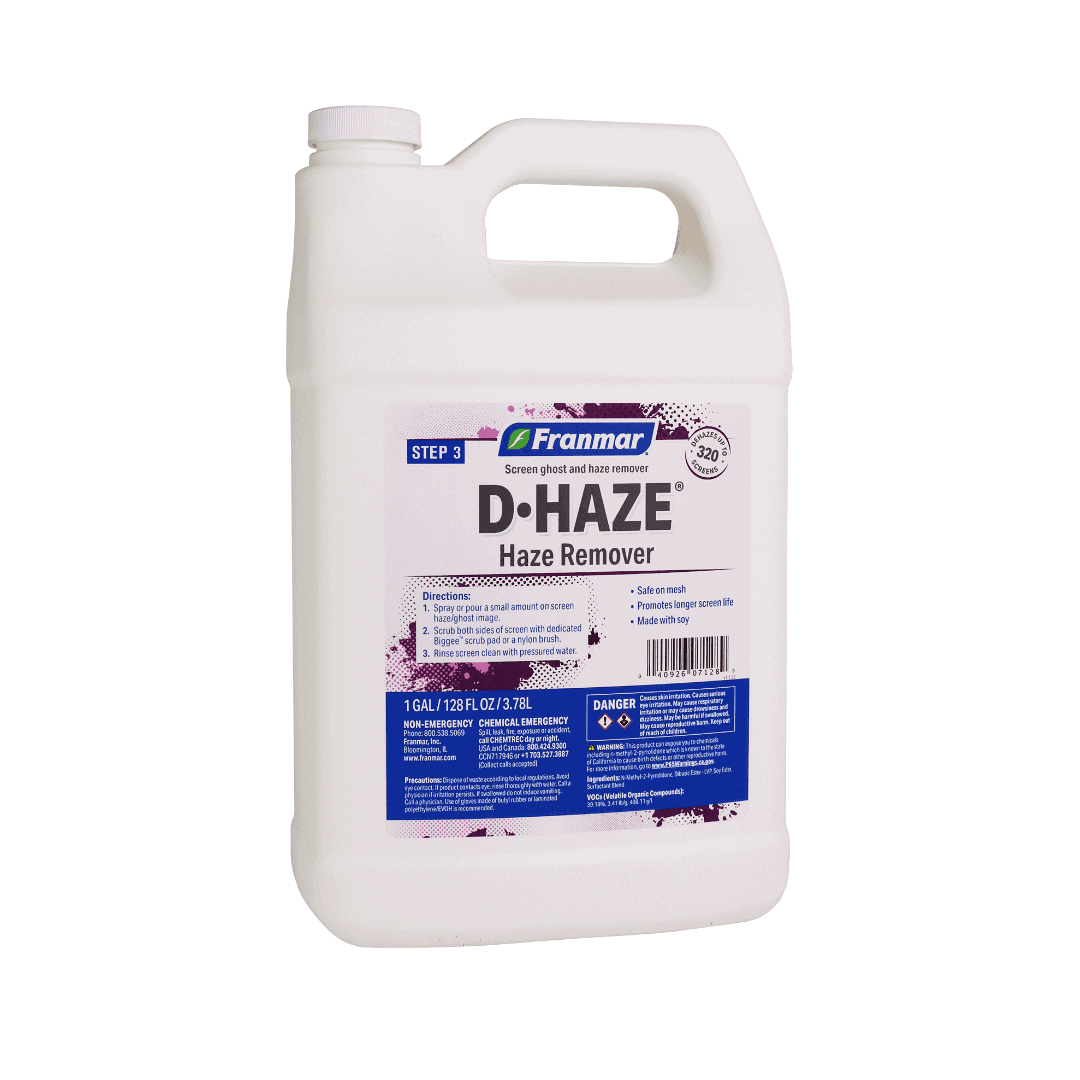
D•Haze is Franmar’s liquid haze and ghost image remover — the standard reclaim step between emulsion removal and mesh prep. Applied to a dry or slightly damp screen after emulsion comes off, it dissolves the ink staining that builds up in mesh fibers over time. Franmar recommends using it every reclaim to prevent ghost images from setting in.
Price range: $24.50 through $355.00
Description
Franmar D•Haze® Haze Remover
Ghost images don’t just look bad — they contaminate future print runs, especially on color-sensitive work. D•Haze eliminates them by treating the ink staining that standard emulsion removers leave behind. The liquid formula penetrates quickly and is designed to be used as a routine part of every screen reclaim, not just when ghost images become visible. Using it proactively keeps mesh clean and extends screen life.
Routine Reclaim Step
Franmar recommends using D•Haze every time after emulsion removal, before the ghost image can set in the mesh permanently.
Liquid Formula
Fast application, quick penetration. Spray or pour on, scrub, rinse. No special mixing or extended dwell required for routine use.
Dry or Damp Screen
Can be applied to a dry screen or slightly damp screen after reclaiming — no special preparation needed.
For Tough Ghost Images
For older or stubborn ghost images, allow to sit for up to 2 minutes before scrubbing. D•Haze Gel is the alternative for targeted, long-dwell applications.
Won’t Damage Mesh
Franmar confirms that D•Haze will not weaken or damage mesh even with regular use.
Soy-Based
Made from American-grown soybeans. 100% biodegradable.
How to Use Franmar D-Haze
Step 1 — After Emulsion Removal
Complete your emulsion removal and initial rinse. The screen should be damp or dry.
Step 2 — Apply D•Haze
Spray or pour a minimal amount of D•Haze onto the screen.
Step 3 — Scrub Both Sides
Scrub with a Biggee™ pad or nylon brush on both sides. For tough haze images, let sit up to 2 minutes before scrubbing.
Step 4 — Rinse or Wipe
Rinse both sides with high-pressure water, or clean with a shop towel for lighter applications.
Step 5 — Degrease
After D•Haze, apply D•Grease as a final mesh prep step before recoating. This is especially important for high mesh counts and halftone work.
The Complete Franmar Screen Cleaning System
Franmar makes a soy-based, eco-friendly chemical for every step of the screen printing workflow — from on-press color changes through ink removal, emulsion stripping, haze removal, and mesh prep. All River City Supply Franmar products linked below:
 1 · On-Press Cleanup
Franmar Color Change
Soy-based on-press ink remover for plastisol color changes. Replaces Methylene Chloride. No water rinse.
✔ No water rinse — wipe on, wipe off
 2 · Ink Removal
Franmar Bean-e-doo
The original Franmar soy-based plastisol ink remover. Reclaim room use — scrub and rinse with water.
✔ Original Franmar formula — soy-based
 2 · Ink Removal
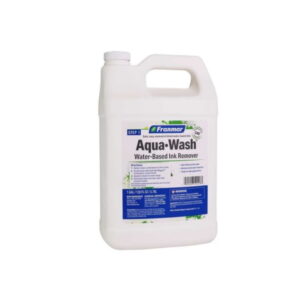
Franmar Aqua-Wash
Water-based ink remover. Removes all WB inks, acts as screen opener on press. Eliminates ghost images.
✔ WB ink specialist — screen opener + remover in one
 2 · Ink Removal
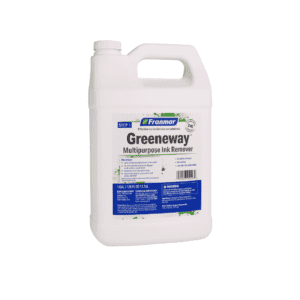
Franmar Greeneway
Multipurpose soy ink remover. Handles plastisol, UV, all-purpose, nylon jacket, and lacquer inks. Dilutable up to 50% with water.
✔ Any ink type — plastisol, UV, solvent, all-purpose
 2 · Ink Removal
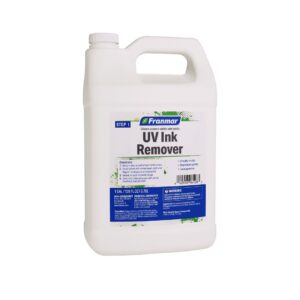
Franmar UV Ink Remover
Soy-based UV ink remover. pH 4.65, VOC 1.6%. Removes UV inks from mesh without acetone or mineral spirits.
✔ UV ink specialist — pH 4.65, VOC 1.6%
 2 · Ink Removal
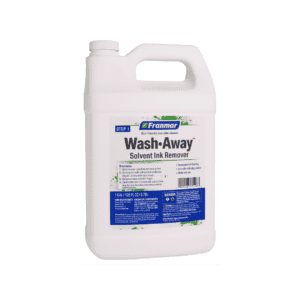
Franmar Solvent Ink Remover
Eco-friendly replacement for mineral spirits and volatile solvents for solvent-based ink removal. Non-flammable, biodegradable.
✔ Non-flammable solvent ink remover
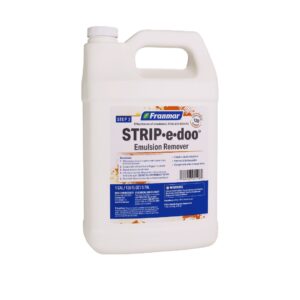 3 · Emulsion Removal
Franmar Strip-e-doo
Eco-friendly emulsion remover. Removes all brands of emulsion, capillary film, and stencils. Built-in degreaser with color-change indicator.
✔ Color changes when spent — built-in degreaser
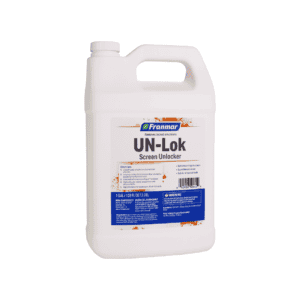 3 · Emulsion Removal
Franmar UN-Lok
Gel formula for locked, hardened emulsion that standard removers can’t break down. Stays wet up to 24 hours. Works in 30 min or less.
✔ Saves screens from remeshing — gel stays 24 hrs
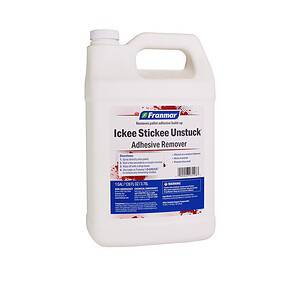 5 · Adhesive Cleanup
Franmar Ickee Stickee Unstuck
Pallet adhesive remover for spray adhesive buildup on platens, squeegees, machine parts, and shop surfaces.
✔ Spray, wait, wipe — removes pallet adhesive
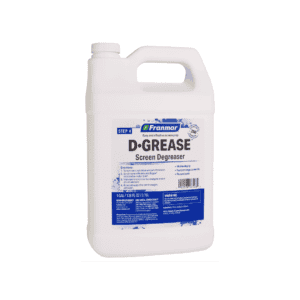 4 · Mesh Prep
Franmar D-Grease
Screen degreaser for mesh prep before emulsion coating. Also cleans solvent residue after press cleanup.
✔ Pre-coating mesh prep — removes oil & solvent residue
← THIS PRODUCT
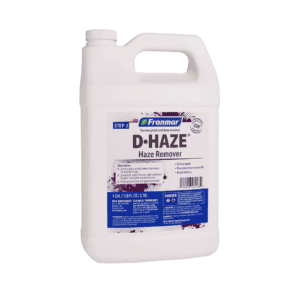 4 · Haze Removal
Franmar D-Haze
Liquid haze and ghost image remover. Apply to dry or damp screen after emulsion removal — scrub and rinse.
✔ Liquid formula — use every reclaim
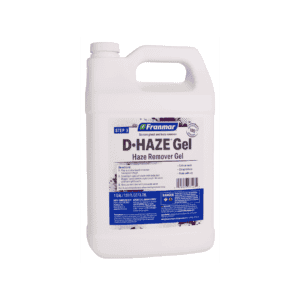 4 · Haze Removal
Franmar D-Haze Gel
Gel haze remover. Clings to mesh for targeted long-dwell applications. Up to 1 hour dwell. For stubborn ghost images.
✔ Gel clings — up to 1 hour dwell for tough stains
🧪 Franmar Screen Cleaning Workflow
| Step | Process | Franmar Product | Notes |
|---|---|---|---|
| 1 | On-Press Cleanup | Color Change | Quick color changes at press. No water rinse. Replaces Methylene Chloride. |
| 2 | Ink Removal | Bean-e-doo / Aqua-Wash / Greeneway / UV Remover / Solvent Remover | Remove ink from mesh. Product selection depends on ink type. |
| 3 | Emulsion Strip | Strip-e-doo / UN-Lok | Remove emulsion stencil. Strip-e-doo for routine reclaim; UN-Lok for locked emulsion. |
| 4 | Haze & Mesh Prep | D•Haze / D•Haze Gel / D•Grease | Remove ghost images. Degrease mesh before recoating. |
| 5 | Adhesive Cleanup | Ickee Stickee Unstuck | Remove pallet adhesive buildup from pallets, platens, and equipment. |
🏆 Why Order from River City Supply?
📦 Deep Inventory
Full Franmar line in stock year-round from San Antonio, TX — no waiting on backorders.
🚚 Same-Day Shipping
In-stock orders placed before 3:30 PM CT ship the same day.
🌡️ San Antonio Advantage
South Texas location — less freeze risk than northern warehouses year-round.
🎁 Free Shipping Over $200
Free ground shipping on all orders over $200.
📞 Expert Support
Call (512) 454-0505 — we know screen printing chemistry and can help you choose the right product.
⭐ 17+ Years in Business
Founded 2008. Serving screen printers nationwide since before soy-based chemistry was mainstream.
Technical Specifications
| Franmar D•Haze® Haze Remover — Technical Specifications | |
|---|---|
| Product Name | Franmar D•Haze® Haze Remover |
| Brand | Franmar Chemical — Made in USA |
| Type / Category | Haze Removal |
| Ink Compatibility | Treats residue from plastisol, all-purpose, specialty inks |
| Base Formula | 100% American-grown soybeans |
| VOC / Odor | Low VOC — low odor |
| Eco Profile | 100% biodegradable, non-caustic |
| Water Rinse Required | Yes — high-pressure water or shop towel |
| Yield | Contact us for yield data |
| Available Sizes | Quart, Gallon, 5-Gallon |
Technical Sheets / Safety Data Sheets / Documents
FREQUENTLY ASKED QUESTIONS
Do I need to use D-Haze every reclaim?
Yes — Franmar recommends using D•Haze immediately after every emulsion removal so ghost images don’t have a chance to set. Reactive use (after you see a ghost image) is harder and takes longer than proactive use.
What’s the difference between D-Haze and D-Haze Gel?
D•Haze is a liquid — fast application for routine use. D•Haze Gel is a thick gel that clings to the screen for targeted long-dwell applications on stubborn or heavily stained areas. Many shops use D•Haze routinely and reach for D•Haze Gel for problem screens.
How long should I leave D-Haze on the screen?
Standard use: scrub immediately. For tough or older ghost images, let sit up to 2 minutes before scrubbing. The gel version allows up to 1 hour or more for extreme cases.
Does D-Haze degrease the mesh?
D•Haze is a haze remover, not a dedicated degreaser. Follow D•Haze with a D•Grease application before coating, especially for high mesh counts and halftone work.
Reviews
Only logged in customers who have purchased this product may leave a review.
You May Also Like
Related products
-

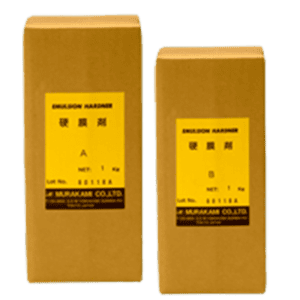
Murakami Emulsion Permanent Hardener A&B Quart Kit – Two-Part Stencil Hardener for Extreme Durability
$49.99 -
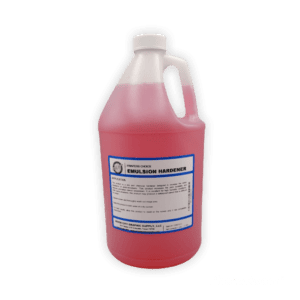
Printers Choice Emulsion Hardener – Water-Resistance Booster for Screen Printing Emulsions
Price range: $29.99 through $64.99 -
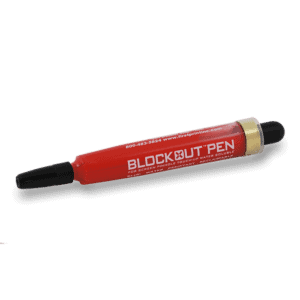
Red Blockout Pen – Pinhole & Touch-Up Pen for Solvent and UV Screen Printing
$14.99 -
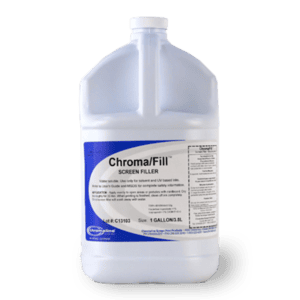
Chromaline Chroma/Fill Blockout – High-Visibility Screen Blockout for Precision Screen Printing
$34.99
Reviews