Red Blockout Pen – Pinhole & Touch-Up Pen for Solvent and UV Screen Printing
First Print Inc.
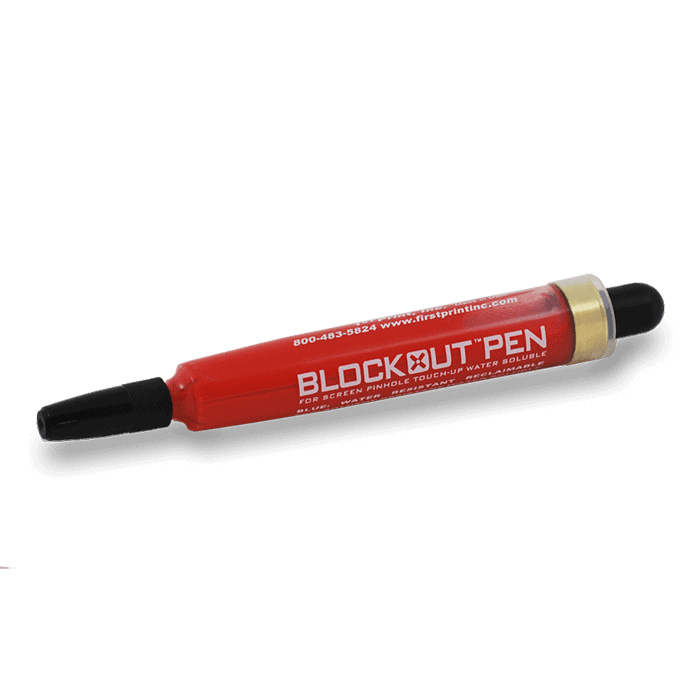
The Red Blockout Pen is formulated for UV and solvent ink environments where standard blockouts fail. UV and solvent chemistry is aggressive — most green and blue blockouts will lift, dissolve, or bleed through under these conditions. The Red Pen holds. Same fine-tip applicator and fast dry time as the other pens, built specifically for the demanding chemistry of UV, solvent, and industrial ink systems. If you print UV or solvent inks, this is the only pen that will hold up.
$14.99
Description
Strong Blockout for Solvent & UV Ink Environments.
Standard blockouts can break down under solvent and UV chemistry. The Red Blockout Pen is formulated to hold up — delivering precise pinhole control and edge correction that stays on press through demanding solvent and UV print runs.
Key Features
✒️
Fine-Tip Precision
Targeted pinhole coverage without affecting surrounding stencil detail — critical for close-registration multi-color work in solvent and UV environments.
🔴
Solvent & UV Ink Formula
Chemistry formulated to resist the aggressive solvents and UV-cure chemistry that can break down standard water-based blockouts during production runs.
⚡
Fast-Drying
Dries quickly at the prep station, keeping your screen prep workflow on schedule.
♻️
Easy Reclaim Cleanup
Removes during standard reclaiming without extra scrubbing or specialized chemistry. No residue left on mesh.
How to Use
Expose and wash out the screen normally. Allow to dry completely before applying blockout — wet emulsion will prevent proper adhesion.
Hold the screen up to a light source. Pinholes and open areas appear as bright spots against the emulsion — mark or note their locations.
Gently shake the blockout pen to ensure even flow before use.
Hold the pen like a regular pen. Touch the tip lightly to each pinhole and trace with gentle, even pressure until fully covered. Do not press hard enough to damage mesh.
Let the blockout dry completely before printing — typically a few minutes. Drying time varies with humidity and temperature.
Re-inspect under light after drying. If any pinholes appear thin or incomplete, apply a second coat.
The screen is ready for press. Blockout removes during standard reclaiming without scrubbing.
Wipe the tip clean with a dry cloth after use and replace the cap to prevent drying.
Also Available: Green & Blue Blockout Pens
Green Blockout Pen
Formulated for plastisol inks. The standard choice for plastisol screen printing shops.
Blue Blockout Pen
Optimized for water-based inks. Also works with plastisol. Best for WB and discharge environments.
📄 Safety Data Sheet (SDS)
SDS available upon request. (512) 454-0505 or [email protected]
Ready to Order?
Order before 3:30 PM CT for same-day shipping. Free shipping on orders $200+.
Which Blockout Pen Do I Need?
All three pens use the same fine-tip applicator and fast-dry formula — the difference is the chemistry. Match the pen to your ink system for the best adhesion and durability under production conditions.
| Feature | 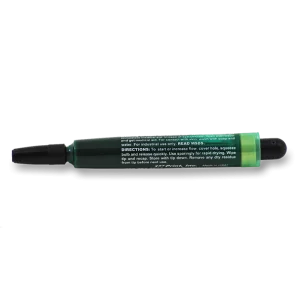 Green Blockout Pen Green Blockout PenMost Popular | 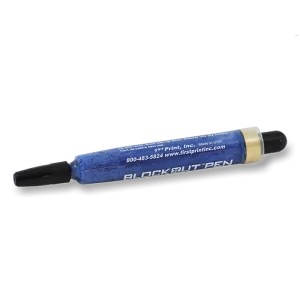 Blue Blockout Pen Blue Blockout PenWB Ink Shops | Red Blockout Pen UV & Solvent ← This Pen |
|---|---|---|---|
| Best For | Plastisol inks | Water-based & discharge | UV & solvent inks |
| Tip Style | Fine-tip precision | Fine-tip precision | Fine-tip precision |
| Formula | Plastisol-resistant | WB-compatible | Solvent & UV-resistant |
| Dry Time | ~60 seconds | ~60 seconds | ~60 seconds |
| Ink Types | Plastisol | Water-Based, Discharge, HSA | UV, Solvent, Industrial |
| Reclaimable | Yes | Yes | Yes |
| Ideal Use Case | Everyday go-to for plastisol shops | WB/discharge shops where green fails | Specialty UV & solvent shops |
| Order Now | Order Now | Order Now |
How to Use a Blockout Pen
Step 1 — Find the Pinhole
Hold the screen up to a light source to locate pinholes, thin spots, or damaged areas. Mark them if needed before moving to the light table or press.
Step 2 — Shake & Prime
Shake the pen well. Press the tip firmly on a scrap surface until ink flows. This primes the tip and prevents dry spots during application.
Step 3 — Apply on the Squeegee Side
Apply blockout to the squeegee (ink) side of the screen. Use a single controlled stroke to cover the pinhole. Apply from the inside out for clean edges.
Step 4 — Let Dry
Allow the blockout to dry fully before printing — approximately 60 seconds at room temperature. You can use a heat gun on low to speed drying in production.
Step 5 — Test Before Running
Pull a test print on scrap before running production. Verify the treated area is fully blocked and no ink bleeds through the repaired spot.
⚠️ Use the Right Pen for Your Ink
Using the green pen with water-based inks or the blue pen with plastisol can cause the blockout to break down mid-run. Match the pen chemistry to your ink system.
💧 Apply on the Squeegee Side Only
Always apply blockout from the ink (squeegee) side of the screen, not the substrate side. This fills pinholes properly and keeps the print surface clean.
💡 Cap the Pen After Every Use
Always recap tightly after use. Leaving the pen uncapped dries out the tip quickly and dramatically shortens the pen’s usable life.
🧹 Blockouts Are Reclaimable
All three blockout pens are removable during standard screen reclaim. No special chemistry needed — your normal emulsion remover handles it.
📏 Large Voids Need Liquid Blockout
Blockout pens are best for small pinholes and thin spots. For larger open areas or tape-off sections, use a liquid blockout like Murakami 901, 905, or CCI Red Coat.
🛒 When Do You Need Liquid Blockout Instead?
Blockout pens are perfect for small pinholes and touch-ups. For larger areas, tape-offs, or full edge-sealing, liquid blockout gives better coverage and a thicker barrier. River City Supply stocks the full range:
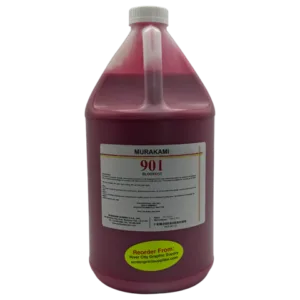 Murakami 901 RedWater-based liquid blockout for plastisol & water-based inks. Brush-on formula for large areas & edge sealing.
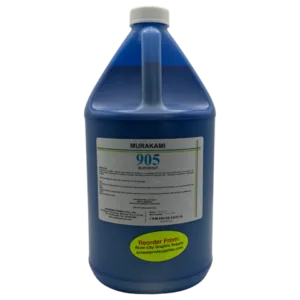 Murakami 905 BlueBlue water-based blockout — excellent opacity for full tape-off coverage and larger void filling.
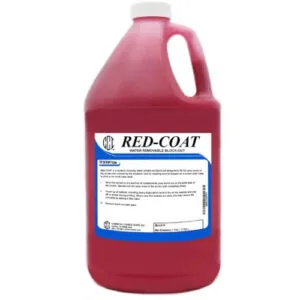 CCI Red CoatCCI’s premium red liquid blockout — fast drying, high opacity, compatible with plastisol and water-based inks.
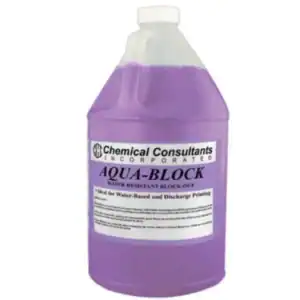 CCI Aqua BlockWater-resistant liquid blockout ideal for water-based ink environments where standard blockouts fail.
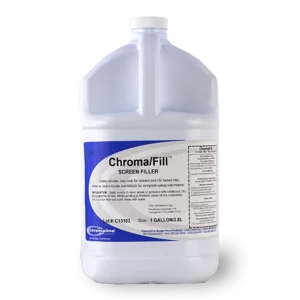 Chromaline ChromafillChromaline’s professional liquid blockout — excellent adhesion and opacity for demanding production environments.
🏆 Why Order from River City Supply?
📦 Deep Inventory
Full selection of blockout pens and liquid blockouts in stock year-round — no waiting on backorders.
🚚 Same-Day Shipping
In-stock orders placed before 3:30 PM CT ship the same day from San Antonio, TX.
🌡️ San Antonio Advantage
South Texas location means less freeze risk than northern warehouses — chemicals ship safely year-round.
🎁 Free Shipping Over $200
Free ground shipping on all orders over $200. Stock multiple pen colors and save on delivery.
Technical Specifications
| Specification | Detail |
|---|---|
| Product Type | Blockout Pen |
| Primary Ink System | Solvent and UV inks |
| Tip Type | Fine-tip marker-style applicator |
| Color | Red |
| Form | Single pen |
| Drying Time | Fast — minutes at room temperature |
| Reclaim Removal | Standard screen cleaning chemicals |
| Brand | First Print Inc. |
| SKU | FPI Blockout Pen Red |
Questions? (512) 454-0505 or [email protected]
Technical Sheets / Safety Data Sheets / Documents
FREQUENTLY ASKED QUESTIONS
Common questions about the Red Blockout Pen:
Why does a solvent/UV shop need a different blockout pen?
Solvent and UV inks contain aggressive chemistry that can break down standard water-based blockouts during a print run. The Red Pen is formulated to resist these solvents and maintain a reliable barrier through production.
Can I use the Red Pen with plastisol or water-based inks?
The Red Pen is formulated for solvent and UV ink environments. For plastisol, use the Green Pen. For water-based, use the Blue Pen. Using the correct chemistry for your ink system ensures the best blockout hold.
Can I use it on any mesh count?
Yes. Apply with light, even pressure on any standard screen printing mesh count.
Does it remove cleanly during reclaiming?
Yes — it removes with standard screen cleaning chemicals during your normal reclaim cycle without leaving stubborn residue.
What is the shelf life?
Store capped in a cool, dry location away from direct sunlight. Contact us for specific shelf life information.
Ready to order? Same-day shipping before 3:30 PM CT.
Reviews
Only logged in customers who have purchased this product may leave a review.
You May Also Like
Related products
-

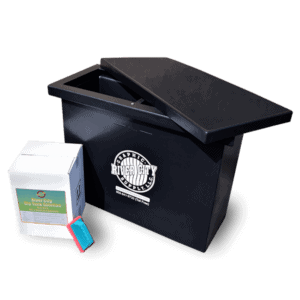
Printers Choice Dip Tank Start Up Package – Complete Screen Reclaim Kit for Screen Printing
$549.99 -
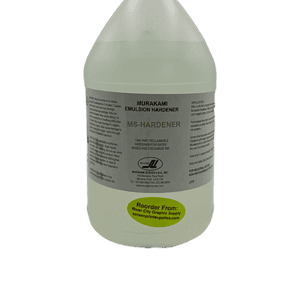
Murakami MS Emulsion Reclaimable Hardener – Post-Exposure Stencil Hardener for Screen Printing
$49.99 -
Printers Choice Cured Plastisol Stain & Spot Remover Fluid – Fast, Clean Ink Removal for Screen Printers
Price range: $19.99 through $199.99 -
CCI Aqua-Block Water-Resistant Blockout – Durable Blockout for Water-Based & Plastisol Screen Printing
Price range: $24.99 through $1,136.40

Reviews