
Siser EasySubli Heat Transfer Vinyl 11″x16.5″ Sheets – Versatile Sublimation Solution
Siser
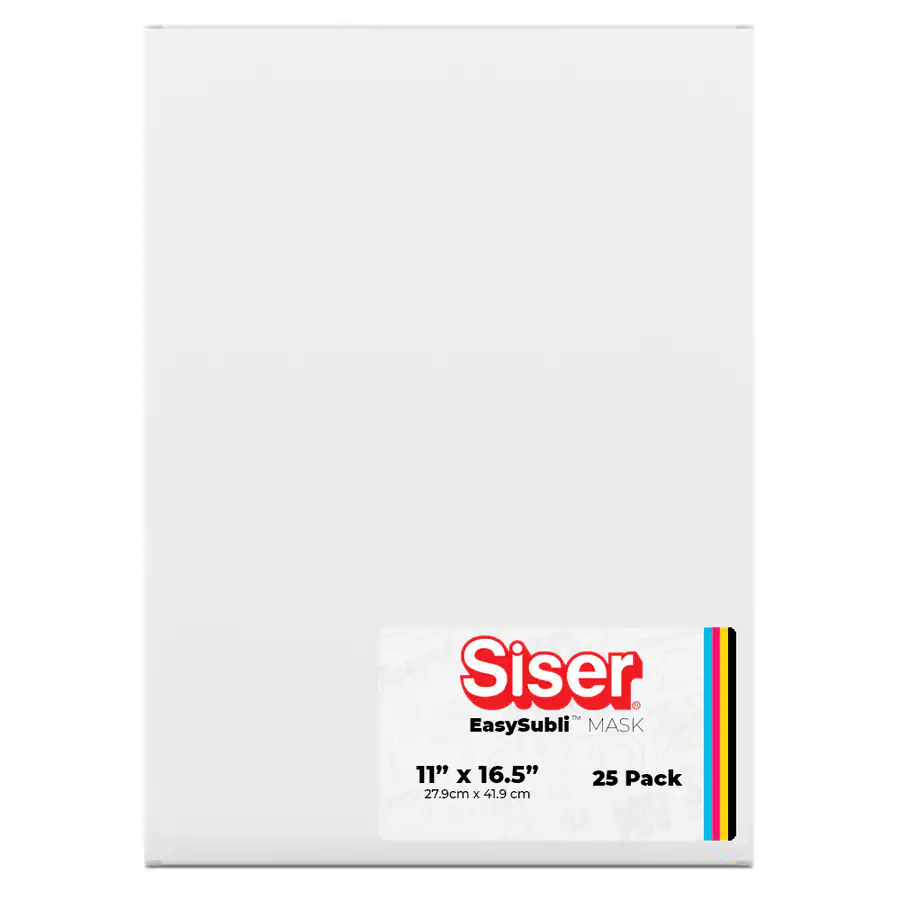
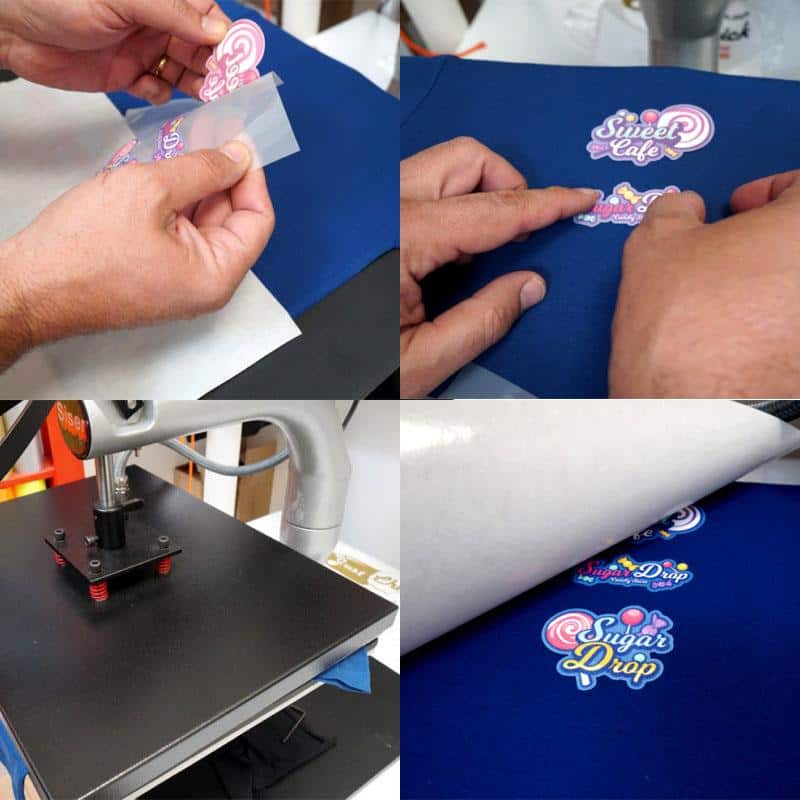
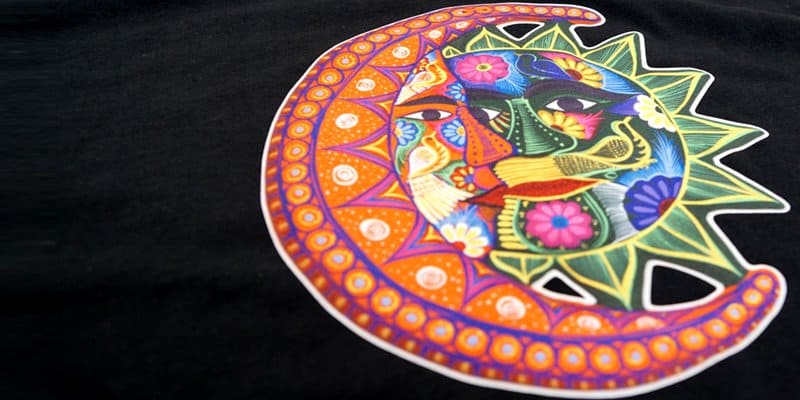
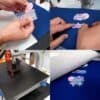

Siser EasySubli Heat Transfer Vinyl (11″ × 16.5″ sheets) lets you finally sublimate full color onto cotton, dark garments, polyester, rayon and blends — not just white poly. Print your design with Siser EasySubli Ink, contour-cut, weed, mask and press at a low 311°F for 15 seconds for a soft, full-color, wash-durable transfer. Sold as a 25-sheet box.
Break past white-poly-only limits
Brilliant, true-to-life detail
Weeds & presses like EasyWeed
25 per box — more per print
$104.99
Description
Siser EasySubli HTV 11″ × 16.5″ Sheets — Sublimate Cotton & Darks
EasySubli solves sublimation’s biggest limitation. Ordinary sublimation only works on white or light polyester and coated blanks — EasySubli is a printable heat transfer vinyl that carries your sublimation print onto cotton, dark and colored garments, polyester, rayon and blends. Print your full-color artwork with Siser EasySubli Ink, contour-cut it on any plotter, weed the excess, lift it with EasySubli Mask, and heat-press at a low 311°F for just 15 seconds. The result is a soft, vivid, photo-quality transfer with the detail of sublimation and the versatility of HTV.
Watch: How EasySubli Works
How EasySubli Works
Print, cut, weed, mask, press — five steps from art to any-color shirt:
1 · Print
Print your design onto the EasySubli sheet with Siser EasySubli Ink. Do not mirror; select the EasySubli media setting.
2 · Dry & cut
Let the print dry ~60 seconds, then contour-cut on your plotter using registration marks (45° blade).
3 · Weed
Weed away the excess — EasySubli weeds easily, much like Siser EasyWeed.
4 · Mask
Apply EasySubli Mask, squeegee firmly, and lift — the design comes up on the mask, ready to place.
5 · Press
Cover with a silicone/cover sheet, press 311°F for 15 sec at medium pressure, then hot-peel the mask.
Tips & Tricks
- Don’t mirror your design when printing with EasySubli ink (Method 1) — you cut and press it right-reading.
- Let each print dry ~60 seconds (or air-dry) and never stack wet prints — stacking smears the ink.
- Use EasySubli Mask, not regular application tape — standard tape will not release the printed vinyl properly.
- Squeegee the mask firmly and peel hot immediately after pressing.
- Always use a cover/silicone sheet over the design when pressing.
- Cut with a 45° blade and registration marks; it weeds like EasyWeed.
- Lint-roll the garment and pre-press 2–3 seconds to remove moisture and wrinkles first.
- Store sheets flat, and always run a test print/press on scrap before a production run.
Cutting & Pressing
Cutting
- Method: print & cut (contour cut on reg marks)
- Blade: 45°
- Mirror: No (cut printed side up)
- Mask: EasySubli Mask
Heat Press
- Temp: 311°F / 155°C
- Time: 15 seconds
- Pressure: medium
- Peel: hot, with a cover sheet
What You’ll Need
- Siser EasySubli Ink in a Sawgrass SG500 or SG1000 printer
- EasySubli Mask (8″ × 10″ sheets) or the 20″ mask roll to transfer the design
- A vinyl cutter/plotter with print-and-cut (registration marks)
- A heat press and a cover / silicone sheet
- Other sizes: EasySubli 8.4″ × 11″ sheets & EasySubli 20″ roll
- Browse the full EasySubli lineup and sublimation supplies
Why Buy From River City Supply?
Real decorators. Real support. Genuine Siser & Sawgrass.
Technical Specifications
Siser EasySubli – Technical Specifications
Technical Sheets / Safety Data Sheets / Documents
FREQUENTLY ASKED QUESTIONS
Siser EasySubli – Frequently Asked Questions
Why Buy From River City Supply?
Real decorators. Real support. Genuine Siser media.
Reviews
Only logged in customers who have purchased this product may leave a review.
You May Also Like
Related products
-
Sale!

Siser Easyweed 15” Stretch Coffee Heat Transfer Vinyl – Thin and Flexible HTV
Original price was: $10.99.$5.00Current price is: $5.00. -
Sale!
Siser Easyweed 15” Stretch Wisteria Heat Transfer Vinyl – Thin and Flexible HTV
Original price was: $10.99.$5.00Current price is: $5.00. -
Sale!
Siser Glitter Currant HTV | 20″ Wide Glitter Heat Transfer Vinyl
Price range: $7.00 through $593.99 -
Sale!
Siser Easyweed 15” Stretch Royal Purple Heat Transfer Vinyl – Thin and Flexible HTV
Original price was: $10.99.$5.00Current price is: $5.00.
Reviews