
CCI CMS Mixing Blue 072 Pigment Concentrate – High-Performance Water-Based Color Mixing System
CCI
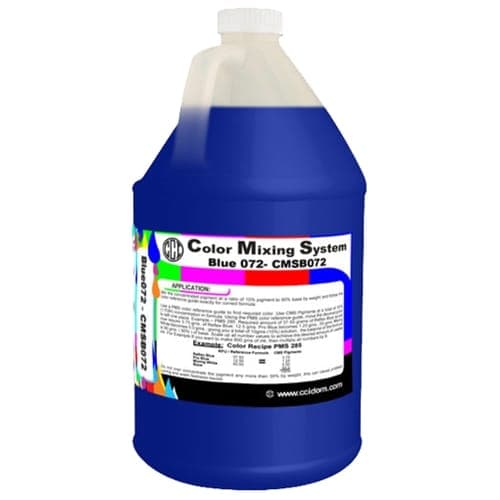
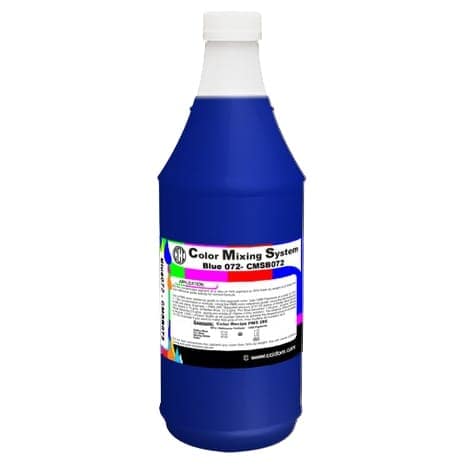
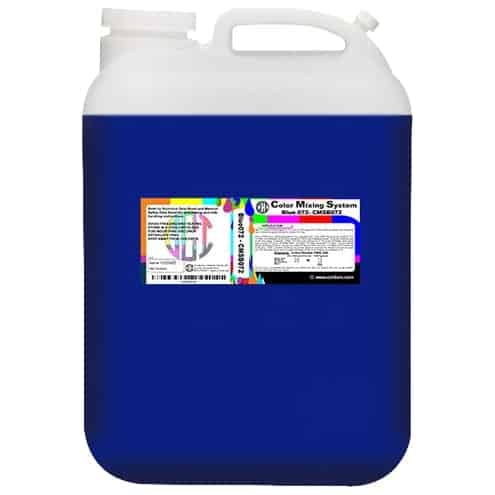
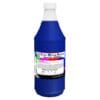
CCI CMS Mixing Blue 072 Pigment Concentrate is a highly concentrated water-based pigment for the CCI Color Management System — the professional software-driven water-based color matching system for screen printers. Mix this bright vivid blue / ultramarine pigment into CCI W-Base (standard) or CCI D-Base (discharge) at the ratios specified by the CCI CMS software at cci-cms.com to match any Pantone color precisely. Standard ratio: 10% pigment to 90% base (max 30%). Phthalate-free, APEO/NPEO-free, PVC-free. Mesh 86–305. Cure 320°F.
Price range: $39.60 through $699.99
Description
CCI CMS Blue 072 — Software-Driven Pantone Matching for Water-Based Screen Printing
CCI CMS Mixing Blue 072 is part of the CCI Color Management System — a professional software-driven color matching platform designed for water-based and discharge screen printing. Unlike Pantone book systems that give you fixed formulas, the CCI CMS software at cci-cms.com generates custom formulas for any Pantone code across multiple base types. Blue 072 Blue 072 fills the spectrum between Reflex Blue (deeper vivid blue) and the violet range. Many sports team and corporate blue formulas call for Blue 072 specifically. The CMS software determines the exact Blue 072 percentage for each target Pantone code.
Key Features
💻 How to Mix a CCI CMS Color — Step by Step
- Go to cci-cms.com — the free CCI Color Management Software.
- Select your color system: W-Base (standard water-based) or Discharge Base (for dark cotton discharge printing).
- Enter your target Pantone code. The software returns the exact pigment percentages for each CCI CMS concentrate.
- Weigh your target ink batch on a gram scale. The standard ratio is 10% pigment to 90% base — do not exceed 30% total pigment.
- Add each pigment concentrate at the specified percentages. Mix thoroughly with a spatula or drill mixer.
- Print a test swatch on your actual garment. Cure fully. Compare to your Pantone swatch. Adjust if needed. Run production.
Calculation example: 800g batch at 10% pigment = 80g pigment + 720g base. If the CMS formula calls for 37.5% Yellow in the formula, move the decimal one place left: use 3.75% Yellow in a 10% pigment mix = 30g Yellow out of your 80g total pigment.
How Blue 072 Works with Other CCI CMS Pigments
The CCI CMS software calculates exactly how much Blue 072 to combine with other pigments for any target Pantone code. Common blending patterns:
Compatible Bases
| Base / Additive | Usage | Purpose |
|---|---|---|
| CCI W-Base | 90% of mix | Standard acrylic mixing base for water-based printing on light/medium garments |
| CCI D-Base (Discharge Base) | 90% of mix | Discharge base for dark 100% cotton — use with Discharge Activator (3–6%) |
| WB-Retarder | Up to 5% | Extends open time on press — prevents ink drying in screen during long runs |
⚡ Discharge Printing with CCI CMS Pigments
CCI CMS pigments are compatible with CCI Discharge Base for discharge printing on dark 100% cotton. Select “Discharge Base” in the CCI CMS software to get the correct formula for discharge mode. Key discharge rules apply:
- 100% cotton with reactive (dischargeable) dyes only. Polyester does not discharge.
- Add Discharge Activator at 3–6% by weight. 12-hour pot life once activated.
- Colors shift during curing — wet ink color ≠ cured color. Always test fully cured swatches before production.
- Water-resistant emulsion required (WR-14, WR-25, or Absolute).
- Cure at 320°F for 90 seconds minimum (longer for heavy deposits).
CCI CMS vs. Matsui RFU Systems — Which Is Right for Your Shop?
| Feature | CCI CMS (This System) | Matsui Alpha (RFU) | Matsui Neo Pigments |
|---|---|---|---|
| Type | Highly concentrated pigments — MUST be mixed into a CCI base (W-Base, D-Base, etc.) | Ready-for-use (RFU) complete inks — print straight from the bucket, no base needed | Concentrated pigments — MUST be mixed into a separate Matsui base |
| Color Matching | CCI Color Management Software at cci-cms.com — enter Pantone code, get formula instantly | Pantone Formula Guide book — formulas printed in the book, no software needed | CMS Software — Matsui Color Mixer software required |
| Discharge Capable | YES — use CCI Discharge Base + activator | YES (Alpha only) — add Discharge Activator 3–8% | YES — when mixed into a discharge base + activator |
| Max Mesh | 86–305/inch (varies by base) | Up to 230/inch (Alpha) | Up to 305+ (varies by base) |
| Best For | Shops wanting software-driven precision color matching. Broad base flexibility — acrylic, discharge, specialty. High volume custom color production. | Simplest workflow. No software needed. Print RFU from the bucket. No base inventory. | Maximum base flexibility (20+ finish options). CMS precision. High mesh capability. |
The Complete CCI CMS Pigment Lineup — All 14 Colors
All 14 CCI CMS pigments work together through the software at cci-cms.com to cover the full Pantone spectrum:
| CCI CMS Pigment | Role in the System |
|---|---|
| Yellow | Primary yellow. Warm-tone anchor for all yellow, orange, gold, and green formulas. |
| Orange | Primary orange. Bridges yellow and red families. |
| Warm Red | Warm, orange-leaning red. Covers coral, warm red, and terracotta formulas. |
| Red 032 | True primary red. Balanced center of the red spectrum. |
| Rubine Red | Cool, blue-leaning red / crimson. Deep reds, burgundy, and maroon. |
| Rhodamine Red | Bright pink-red / magenta. Hot pink, fuchsia, and all pink formulas. |
| Purple | Primary purple. Red-leaning. All Pantone purple and orchid formulas. |
| Violet | Deep blue-violet. Violet, indigo, and blue-purple formulas. |
| Blue 072 ← This Product | Bright vivid blue / ultramarine. Sports and corporate blue formulas. |
| Reflex Blue | Vivid blue. Common in corporate branding (Pepsi, Ford, etc.). |
| Process Blue | Cyan / process blue. Sky blue, teal, aqua, and CMYK cyan. |
| Green | Primary green. All Pantone green, forest, and teal-green formulas. |
| Black | Mixing black. Darkens, shades, and mutes other colors. Also standalone spot black. |
| White | Mixing white. Lightens and pastelizes other pigments. High-opacity opacifier. |
Browse all CCI CMS pigments + W-Base →
Technical Specifications
| Specification | Detail |
|---|---|
| Product Name | CCI CMS Mixing Blue 072 Pigment Concentrate |
| Pigment Color | Blue 072 — bright vivid blue / ultramarine |
| Pantone Reference | Blue 072 C — bright vivid blue / ultramarine |
| Type | Highly concentrated water-based pigment for the CCI Color Management System |
| Color Matching | CCI Color Management Software — cci-cms.com |
| Standard Mix Ratio | 10% pigment to 90% base (W-Base or Discharge Base) |
| Maximum Pigment Load | 30% by weight total — exceeding reduces wash fastness and cure quality |
| Compatible Bases | CCI W-Base (standard water-based), CCI D-Base (discharge) |
| Discharge Capable | YES — use with CCI D-Base + Discharge Activator (3–6%) for dark 100% cotton |
| Mesh Range | 86–305/inch |
| Cure Temperature | 320°F (160°C) for 90 seconds minimum |
| Squeegee | 70–80 durometer, 45° angle |
| Recommended Emulsions | WR-14, WR-25, or Absolute water-resistant emulsions |
| Open Time Additive | WB-Retarder at up to 5% to extend open time on press |
| Cleanup | CCI Envirosolv or soap and water |
| Storage | 65°F to 95°F (18°C to 35°C). Keep sealed. Away from direct sunlight. |
| Formulation | Phthalate-free, APEO/NPEO-free, PVC-free |
| Available Sizes | Quart, Gallon, 5 Gallon |
| Technical Documents | CMS Colors Safety Data Sheet | CCI CMS Technical Data Sheet |
Technical Sheets / Safety Data Sheets / Documents
FREQUENTLY ASKED QUESTIONS
Reviews
Only logged in customers who have purchased this product may leave a review.
You May Also Like
Related products
-

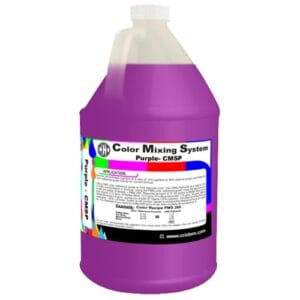
CCI CMS Mixing Purple Pigment Concentrate – High-Performance Water-Based Color Mixing System
Price range: $49.33 through $689.99 -
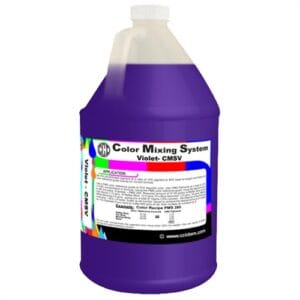
CCI CMS Mixing Violet Pigment Concentrate – High-Performance Water-Based Color Mixing System
Price range: $65.62 through $999.99 -
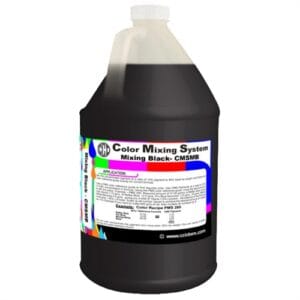
CCI CMS Mixing Black Pigment Concentrate – High-Performance Water-Based Color Mixing System
Price range: $20.71 through $229.99 -
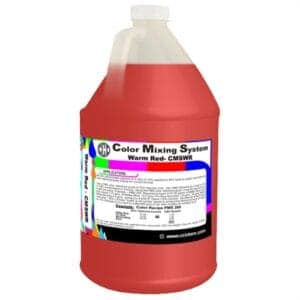
CCI CMS Mixing Warm Red Pigment Concentrate – High-Performance Water-Based Color Mixing System
Price range: $40.80 through $559.99
Reviews