Easiway EasiSolv 400 Low VOC Haze Remover – Professional Ghost & Stain Removal for Screen Printers
Easiway
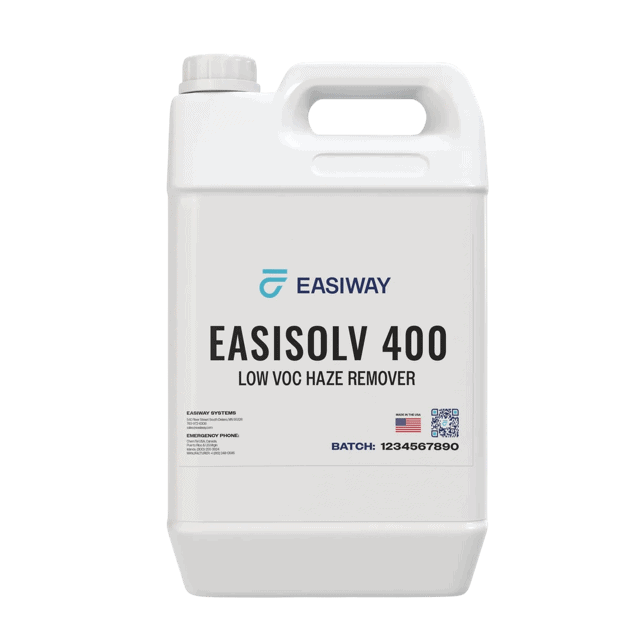
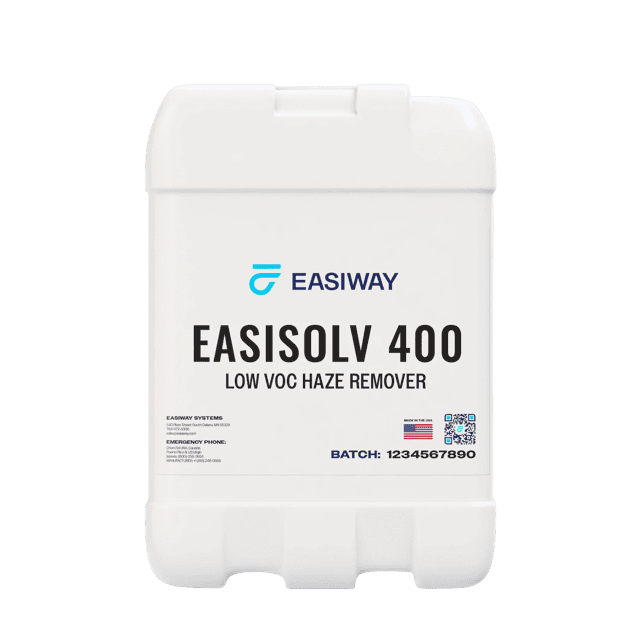
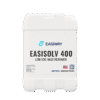
Easiway EasiSolv™ 400 Low VOC Haze Remover is a polymer-infused gel that lifts ghost images, ink stains and emulsion residue out of screen mesh during reclaiming — without damaging the mesh. It is California VOC compliant (98 g/L), low-odor, and clings to vertical mesh so it works where you spray it.
Ink stains & emulsion residue
California compliant, low odor
Clings to mesh, full dwell
Won’t degrade threads
Price range: $43.07 through $188.44
Description
Easiway EasiSolv™ 400 Low VOC Haze Remover
EasiSolv 400 is the stain step your reclaim line has been missing. This polymer-infused gel dissolves the ghost images, ink stains and emulsion residue that ordinary ink and emulsion removers leave behind — restoring open mesh and a clean stencil surface without harming the fabric. It is a low-VOC, California-compliant formula (98 g/L) with a mild odor, and because it is a gel rather than a runny liquid, it stays put on vertical screens for a full, effective dwell. Use it on plastisol, water-based, UV/solvent, silicone, conductive and industrial ink stains.
What Are Haze & Ghost Images — and Why Remove Them?
After you strip ink and emulsion, a faint stain or shadow of the old image is often left locked into the mesh — that is haze (also called a ghost image). It is trapped ink pigment and hardened emulsion sitting in the knuckles of the threads. Left in the screen, it quietly costs you quality and money:
Blocks open mesh
Trapped residue reduces open area, so ink flows unevenly and coats poorly — leading to pinholes and inconsistent deposit.
Image carry-over
A ghost from the last job can telegraph into your next stencil, hurting registration and detail on fine work.
Weak stencil adhesion
Residue and haze keep new emulsion from bonding cleanly, so stencils break down faster on press.
Shorter mesh life
Screens that never get de-hazed get retired early. Regular haze removal keeps mesh open and in rotation longer.
How to Use EasiSolv 400
1 · Strip the screen
Remove all ink and emulsion first — EasiSolv 400 is the stain step, not an emulsion remover.
2 · Apply the gel
Apply to both the ink side and print side of the screen with a pad or brush.
3 · Dwell 1–5 min
Let it dwell 1–5 minutes depending on the stain. Do not let it dry out; re-apply if needed.
4 · Pressure rinse
High-pressure rinse the entire screen, then follow with a full low-pressure flood rinse.
Where It Fits in the Reclaim Process
EasiSolv 400 is step 4 of a clean reclaim: 1) remove ink with a press wash / ink remover → 2) remove emulsion with an emulsion remover → 3) power wash → 4) de-haze with EasiSolv 400 → 5) degrease → 6) dry & re-coat. Browse the full screen-cleaning chemical line to complete your reclaim area.
Why a Low-VOC Gel
Compliant & low-odor
At 98 g/L VOC it sits under the California 100 g/L limit — easier on your crew and your shop air than high-solvent haze removers.
Gel that stays put
The polymer-infused gel clings to vertical mesh instead of running to the floor, so you use less product and get a full dwell and more scrub power.
Why Buy From River City Supply?
Real screen printers. Real support. Genuine Easiway chemistry.
Technical Specifications
EasiSolv 400 – Technical Specifications
Technical Sheets / Safety Data Sheets / Documents
FREQUENTLY ASKED QUESTIONS
EasiSolv 400 Haze Remover – Frequently Asked Questions
Why Buy From River City Supply?
Real screen printers. Real support. Genuine Easiway chemistry.
Reviews
Only logged in customers who have purchased this product may leave a review.
You May Also Like
Related products
-
Sale!

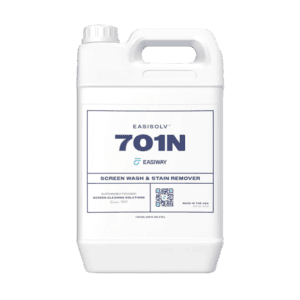
Easiway EasiSolv™ 701N Non-Foaming Screen Wash & Stain Remover – Professional Ink Cleanup for Screen Printers
Price range: $22.64 through $8,376.80 -
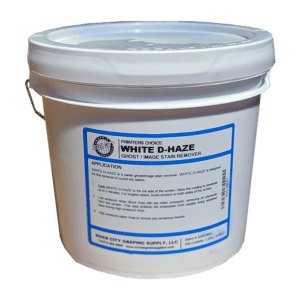
Printers Choice White D-Haze Remover – Powerful Ghost and Stain Remover for Screen Printing
Price range: $29.99 through $349.95 -
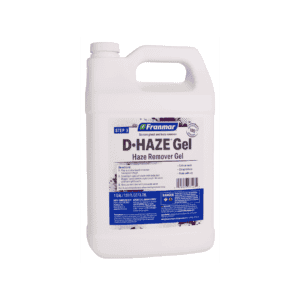
Franmar Haze Remover Gel – Precision Gel Ghost & Haze Remover for Screen Printing
Price range: $22.50 through $357.00 -
Franmar Haze Remover – D-Haze – Safe Ghost & Stain Remover for Screen Printers
Price range: $24.50 through $355.00
Reviews