STS Inks Compatible Direct to Garment (DTG) Ink for Brother – 1 Liter
STS Inks
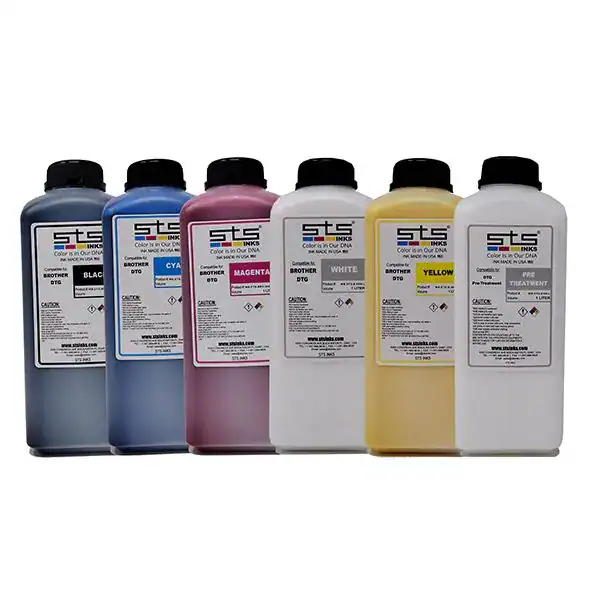
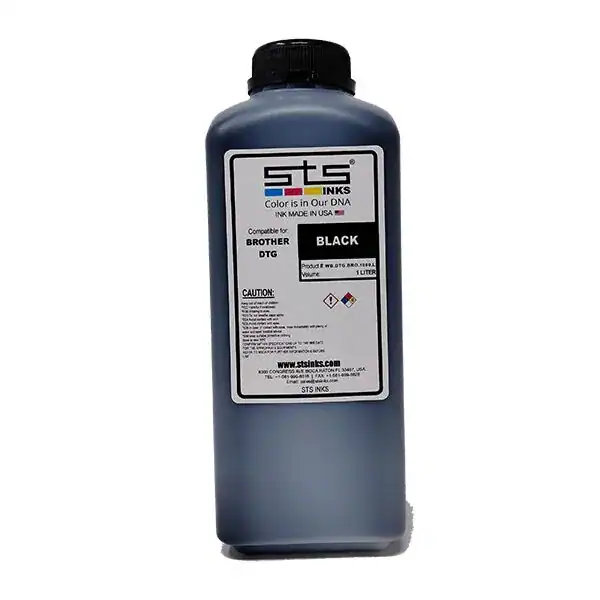
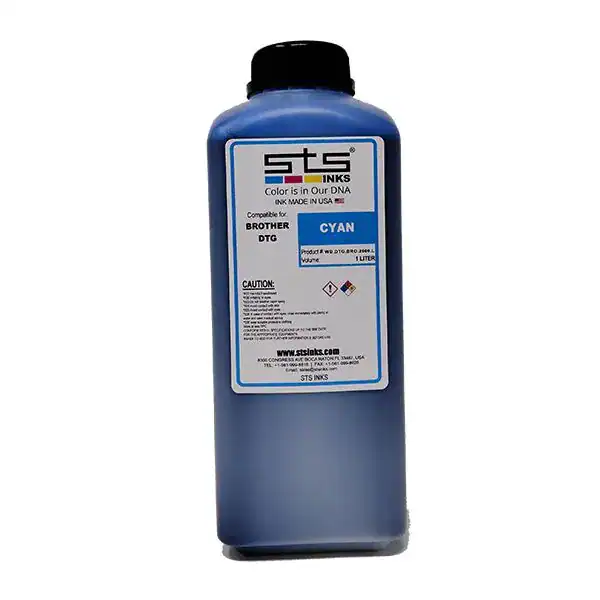
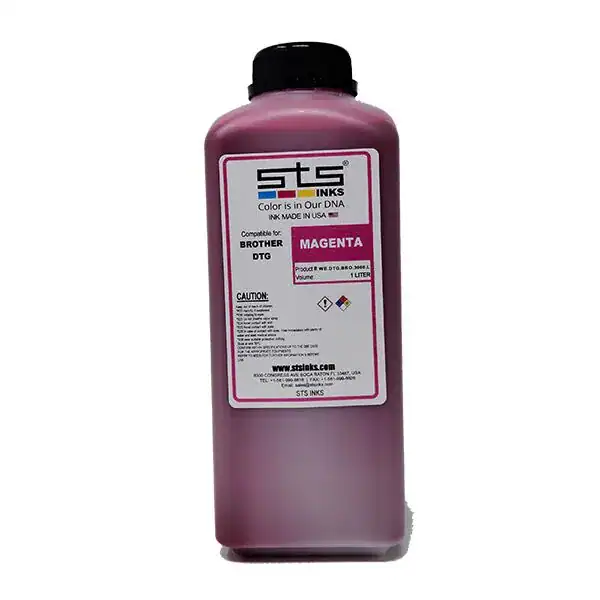
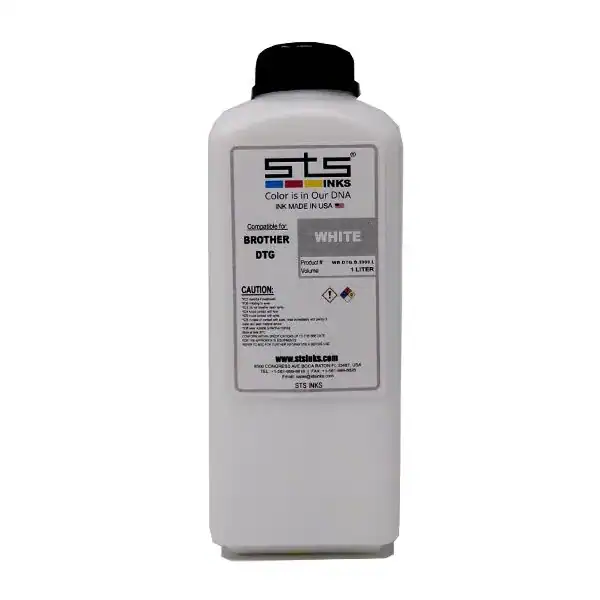
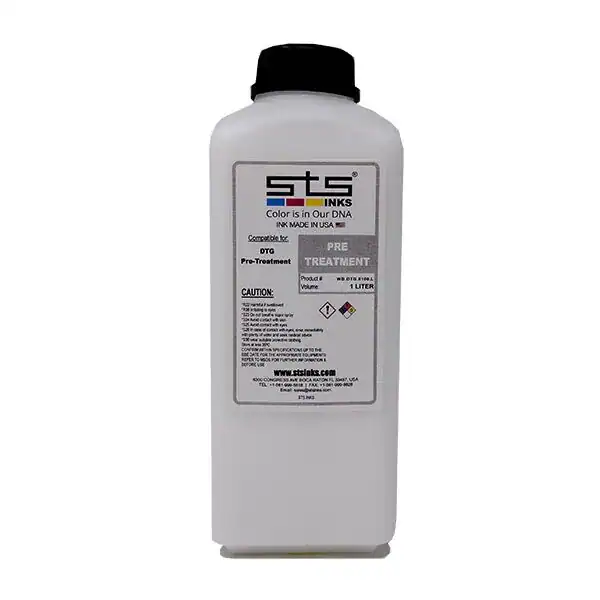
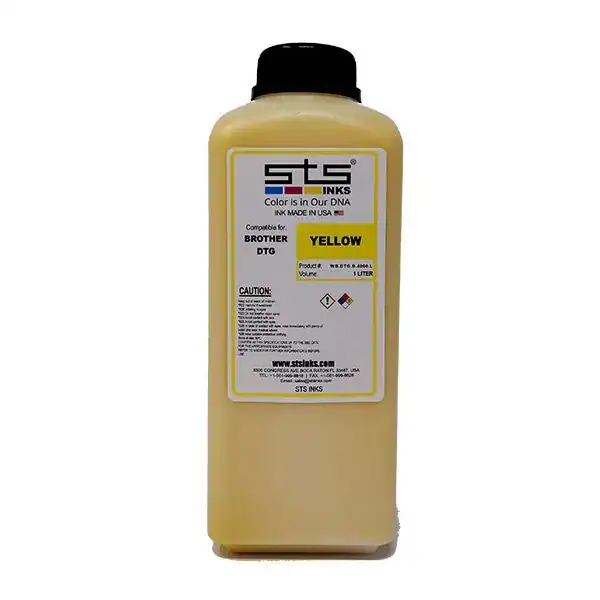
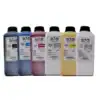
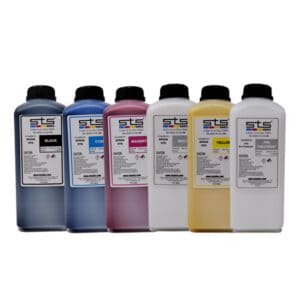
The STS Compatible DTG Ink for Brother is a premium USA-made direct-to-garment ink formulated for Brother GTX, GTXpro, GTXpro B, and GT-series DTG printers. Delivers a 30% broader color gamut vs. OEM Innobella Textile inks — with plug-and-print compatibility, no line flushing, and no color profile changes. CPSIA and OEKO-TEX certified. Made in Boca Raton, FL. Drop ships fresh from STS.
Price range: $59.00 through $525.00
Description
Professional DTG Ink for Brother Printers — 30% Broader Color Range
The STS Compatible DTG Ink for Brother is specifically formulated for use in Brother GTX, GTXpro, GTXpro B, and GT-series direct-to-garment printers. Going beyond simple OEM replacement, STS DTG ink delivers a 30% broader color gamut and more vibrant, accurate color reproduction than the original Innobella Textile inks — while maintaining full plug-and-print compatibility with no line flushing and no color profile changes. Made in the USA and drop shipped fresh from STS’s Boca Raton, FL facility.
Key Features
STS’s formulation delivers a measurably wider color range than Brother’s OEM Innobella Textile inks — producing bolder, brighter results that are more accurate to your original artwork.
Designed to be virtually identical to the original in viscosity and performance. Install it exactly like OEM ink. No purging, no profile recalibration, no downtime.
Manufactured in Boca Raton, FL and drop shipped directly from STS. Fresh ink — not warehouse-aged stock from a distributor warehouse.
High-opacity white ink provides a solid, vibrant underbase on dark garments — critical for crisp color on black, navy, and other dark fabrics.
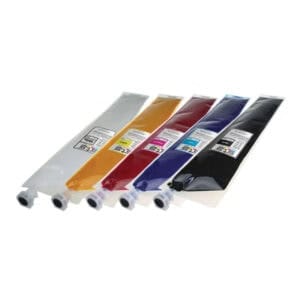
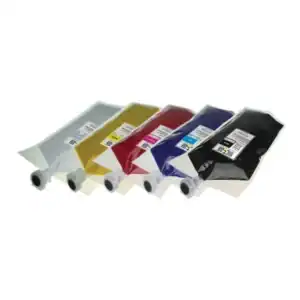
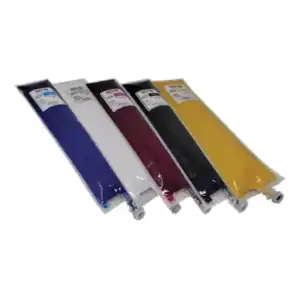
Innovative compact pouch design creates substantially less waste than traditional ink cartridges — a more sustainable choice for high-volume shops.
Non-toxic, water-based, eco-compliant formula. Safe for operators and safe for consumers wearing the finished print.
Printer Compatibility Chart
STS Compatible DTG Ink is designed for Brother’s GTX and GT-series DTG printer platform. Review the chart below and call (512) 454-0505 if you have questions about your specific model.
| Printer Model | OEM Ink System | STS Compatible Ink | Max Resolution | Notes |
|---|---|---|---|---|
| Brother GT-3 / GT-541 / GT-782 | Proprietary Brother GT cartridges | STS compatible 1L DTG ink | 1200×1200 dpi | Older GT series — STS ink compatible |
| Brother GTX | 700ml Innobella Textile bags | STS compatible 1L DTG ink | 1200×1200 dpi | Most popular Brother DTG; plug & print with STS |
| Brother GTXpro | 700ml Innobella Textile bags | STS compatible 1L DTG ink | 1200×1200 dpi | Hybrid DTG/DTF; STS ink works in CMYK + White channels |
| Brother GTXpro B (Bulk) | 1.8L / 18L Innobella Bulk ink | STS compatible 1L DTG ink | 1200×1200 dpi | Bulk ink system; confirm adapter/pouch format before ordering |
DTG vs. DTF — Which Is Right for You?
DTG and DTF are complementary technologies. Many production shops run both to maximize fabric compatibility and revenue per machine.
| Factor | DTG (Direct to Garment) | DTF (Direct to Film) |
|---|---|---|
| Printing Method | Ink printed directly onto garment | Ink printed onto transfer film, then heat-pressed onto garment |
| Pre-Treatment | Required on dark/cotton garments | Not required |
| Best Fabric | 100% cotton or cotton-rich blends | Any fabric — cotton, poly, nylon, blends, and more |
| Color on Dark Garments | Requires white underbase pre-treatment | White layer printed automatically as underbase on film |
| Setup Time | 5–10 min (pretreat + press garment) | <2 min (print to film, powder, press) |
| Hand Feel | Soft — ink bonds directly to fabric | Slight film feel — varies by powder and press settings |
| Wash Durability | Excellent (with correct pre-treatment and cure) | Excellent (with correct press settings) |
| Per-Print Cost | Higher ink use (especially white) | Lower ink use — efficient film coverage |
| Best For | Cotton garments, on-demand single prints | Mixed fabrics, polyester, small runs, no pre-treatment |
Fabric Compatibility & Pre-Treatment Guide
DTG excels on cotton. Pre-treatment is required on dark garments when printing white ink.
| Fabric | DTG Rating | Pre-Treatment | Notes |
|---|---|---|---|
| 100% Cotton | Excellent | Yes (dark garments) | Best DTG substrate — ink bonds directly to natural fibers |
| 80/20 Cotton-Poly | Very Good | Yes (dark garments) | Good adhesion; test wash to verify durability |
| 50/50 Poly-Cotton | Good | Yes (dark garments) | Acceptable quality; lower poly content = better results |
| 100% Polyester | Poor | Yes | DTG performs poorly on polyester — consider DTF instead |
| Tri-Blend | Good | Yes (dark garments) | Results vary; test before full production runs |
| Nylon | Not Recommended | — | DTG ink does not adhere well to synthetic fibers |
| 100% Polyester Performance | Not Recommended | — | Use DTF printing for athletic/performance polyester |
DTG Printing Process Overview
Apply pre-treatment to dark/cotton garments. Dry with heat press at 356°F for 35–45 seconds. Allow to cool.
Secure garment onto the Brother GTX platen. Smooth creases. Use the printer’s auto platen height adjustment.
Send design via Brother’s BES/BPT RIP software. Brother GTXpro B auto-detects nozzle health and corrects mid-run.
Heat press at 356°F for 35 seconds (or conveyor oven at 320°F for 3.5 min). Use Teflon/silicone cover sheet.
Garment is wear-ready and wash-durable when cured correctly.
Also Consider
Same USA-made STS DTG quality in a formula matched to Epson SureColor F-series DTG printers.
Technical Specifications
STS Brother DTG Ink — Technical Specifications
| Specification | Detail |
|---|---|
| Ink Type | Direct-to-Garment (DTG) Pigment-Based |
| Volume | 1 Liter per bottle |
| Available Channels | Cyan, Magenta, Yellow, Black (CMYK), White |
| Compatibility Note | Plug & Print — no line flush or color profile change required |
| Color Performance | 30% broader color gamut vs. OEM Brother Innobella Textile inks |
| Pigment Formula | Ultra-premium water-based pigment |
| White Ink | High-opacity underbase for dark garments |
| Wash Fastness | Excellent with correct pre-treatment and curing |
| Pre-Treatment | Required on dark cotton garments; recommended on light garments |
| Cure Settings (Heat Press) | 356°F (180°C) / 35 seconds / light–medium pressure |
| Cure Settings (Conveyor Oven) | 320°F (160°C) / 3 min 30 sec |
| Best Fabric | 100% cotton and high-cotton-content blends |
| Packaging | Eco-friendly compact pouches — less waste than traditional cartridges |
| Certifications | CPSIA compliant, OEKO-TEX certified |
| Origin | Made in USA — manufactured in Boca Raton, FL |
| Fulfillment | Drop ships fresh from STS — not warehouse stock |
| Returns | No returns on ink products — confirm printer compatibility before ordering |
| Support | STS Inks technical support: [email protected] |
Technical Sheets / Safety Data Sheets / Documents
FREQUENTLY ASKED QUESTIONS
Frequently Asked Questions
STS Compatible DTG Ink is formulated for Brother GTX, GTXpro, GTXpro B (Bulk), GT-3, GT-541, GT-782, DTG printers. It installs plug-and-print with no line flushing needed. Call (512) 454-0505 if you’re unsure about your specific model before ordering.
No. STS DTG Ink for Brother is specifically formulated to be virtually identical to the original Innobella Textile inks in viscosity and jetting behavior. Install it exactly like OEM — no purging, no profile changes. This is one of STS’s key advantages over cheaper generic alternatives.
STS DTG Ink delivers a 30% broader color gamut than Brother OEM inks, producing bolder, more vibrant results that are more accurate to your artwork. The eco-friendly compact pouches also create substantially less waste than traditional cartridges. And because it’s made in the USA and drop shipped fresh, you get consistent ink quality rather than warehouse-aged stock.
Pre-treatment is required on dark-colored garments when printing with white ink. It is also recommended on light-colored cotton garments for improved wash durability. Use STS DTG pre-treatment solution and cure it with a heat press (356°F, 35–45 seconds) before printing.
Heat press: 356°F (180°C) for 35 seconds with light-to-medium pressure, using a Teflon or silicone cover sheet. Conveyor oven: 320°F (160°C) for 3.5 minutes. Always test your specific garment type. Under-curing causes poor wash durability; over-curing can scorch delicate fabrics.
The GTXpro B uses a bulk ink system with 1.8L and 18L tanks. STS DTG Ink comes in 1-liter bottles. Confirm the filling/adapter process for your specific GTXpro B configuration before ordering. Call (512) 454-0505 for guidance on filling the bulk system with STS ink.
No. STS DTG inks are non-returnable. Confirm your printer model and the correct STS ink product before placing your order. Call (512) 454-0505 or email [email protected] with any pre-order questions.
100% cotton is the ideal substrate for DTG printing. High-cotton blends (80/20 cotton-poly or higher) also produce good results. DTG performs poorly on 100% polyester or synthetic fabrics — for those substrates, DTF printing is a better solution.
Reviews
Only logged in customers who have purchased this product may leave a review.
You May Also Like
Related products
-

STS Inks Replacement Bag for Brother GT-3 DTG Printers – 380ml (GC-30)
Price range: $99.99 through $514.95 -
STS Inks Replacement Bag for Brother GT-5 and GT-7 DTG Printers – 500ml (GC-50)
Price range: $134.99 through $689.95 -
STS Inks Replacement Bag for Brother GTX DTG Printers – 700ml
Price range: $126.40 through $648.00 -
STS Inks Epson Direct to Garment (DTG) Ink – 1 Liter
Price range: $59.00 through $525.00
Reviews