STS Inks Replacement Bag for Brother GTX DTG Printers – 700ml
STS Inks
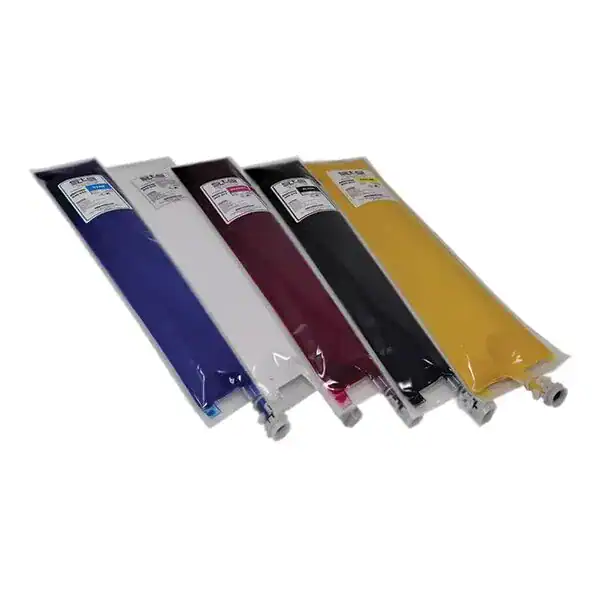
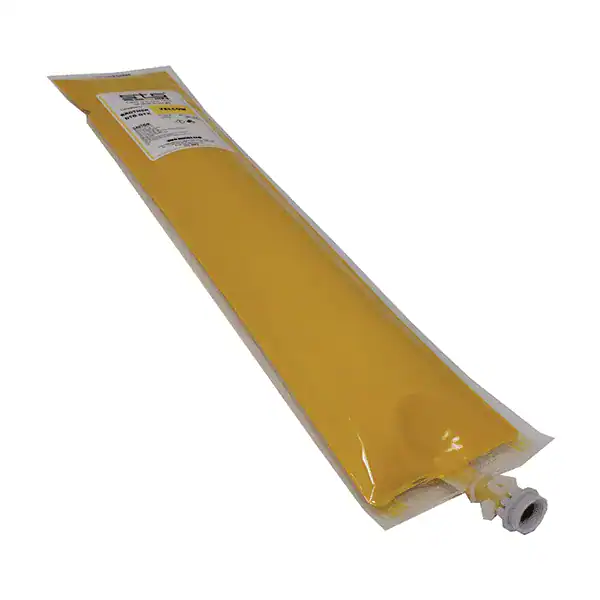
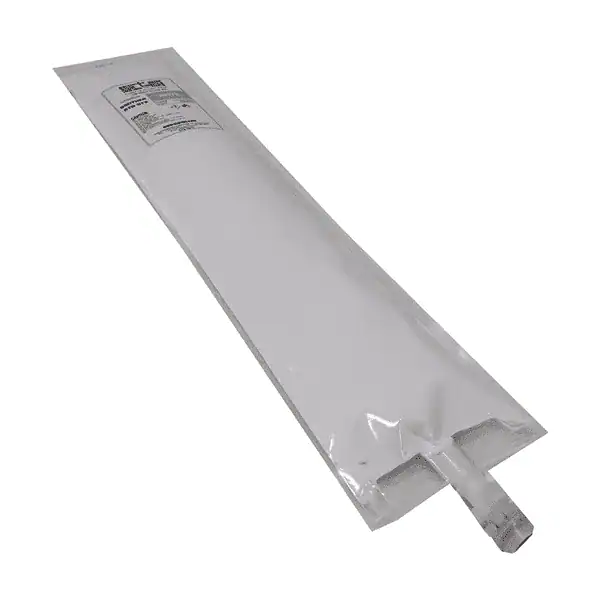
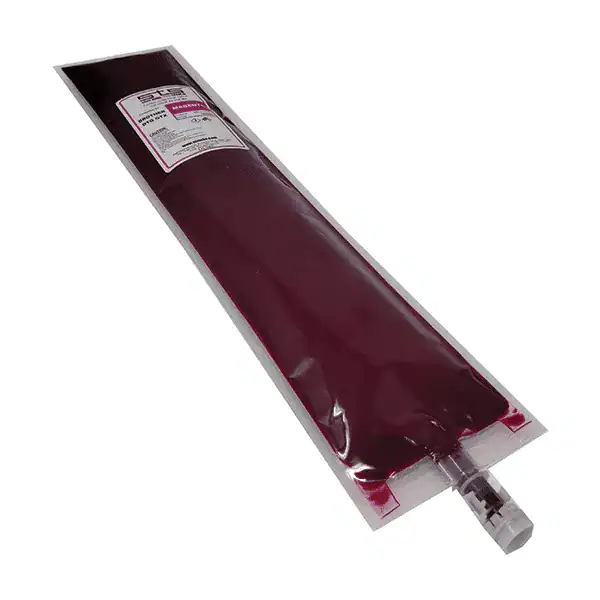
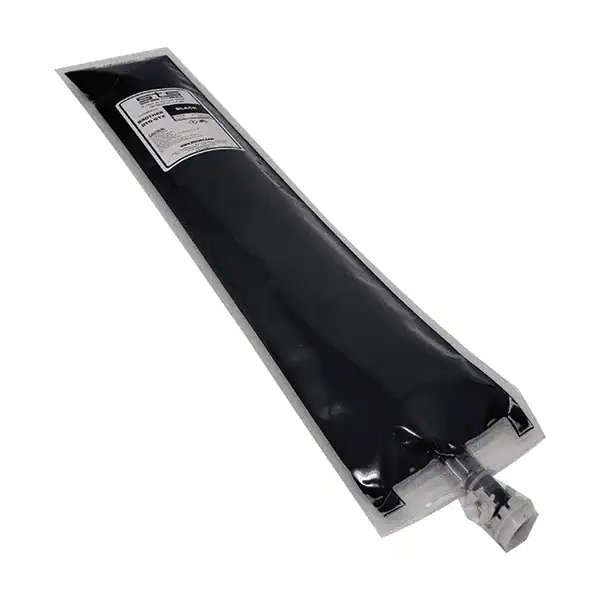
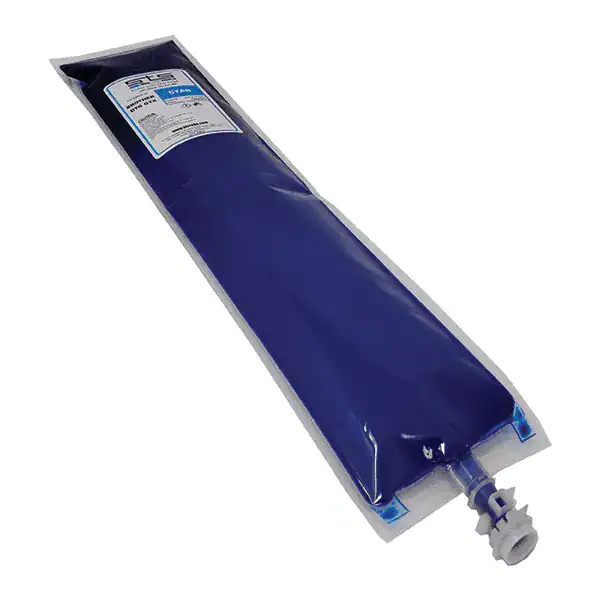
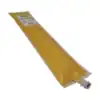
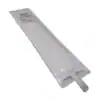
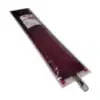
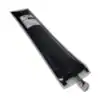
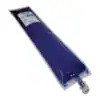
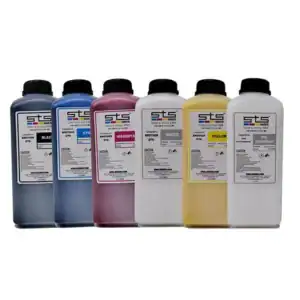
STS Replacement Ink Bag for Brother GTX DTG Printers is a 700ml USA-made replacement ink bag compatible with the Brother GTX, GTX Pro, and GTX Pro B direct-to-garment printer series. The bag format drops directly into the Brother OEM GTX cartridge housing — plug and print, no flush, no profile change. Available in CMYK and White. Vibrant color output, brilliant white opacity, excellent wash durability. Drop ships fresh from STS in Florida. No returns on ink products.
Price range: $126.40 through $648.00
Description
STS Replacement Ink Bag for Brother GTX DTG Printers — 700ml
The STS 700ml Replacement Ink Bag is a premium USA-made replacement for the original Brother GTX ink system. Compatible with Brother GTX, GTX Pro, and GTX Pro B direct-to-garment printers, this bag format fits directly into the Brother OEM GTX cartridge housing — plug it in and print. No line flushing, no color profile recalibration. STS formulates this ink to be a virtual match to the OEM in colorimetry, viscosity, and jetting behavior, delivering the same vibrant colors, brilliant white opacity, and wash-durable results at a lower operating cost per print.
Key Features
STS formulates this ink to be a virtual match to the original Brother OEM ink. Install it exactly like OEM — no line purging, no color profile recalibration, no downtime.
Manufactured by STS in the USA. Drop shipped directly from STS in Florida — not warehouse-aged inventory.
Precise color reproduction with vibrant saturation on both light and dark garments using pretreated fabric.
White channel delivers the high-opacity base layer needed for vivid CMYK colors on dark fabrics. Critical for dark garment DTG results.
Ink bonds to pretreated fibers and cures into a flexible, wash-resistant layer. Prints maintain integrity through repeated wash and dry cycles.
Fine inkjet pigment technology delivers precise imaging, clean halftones, and accurate gradients on both light-colored and dark pretreated garments.
Printer Compatibility — Brother GTX Series
| Printer Model | Series | Ink Format | Notes |
|---|---|---|---|
| Brother GTX | GTX Series | 700ml ink bag | Original GTX — single-head production DTG printer |
| Brother GTX Pro | GTX Pro Series | 700ml ink bag | GTX Pro — dual-head for higher throughput |
| Brother GTX Pro B | GTX Pro B Series | 700ml ink bag | GTX Pro B — bulk ink system version |
DTG Printing Workflow
| Step | Action | Notes |
|---|---|---|
| 1 | Pre-treat garment | Required for dark garments. Recommended for all garments for best wash durability. |
| 2 | Heat press pre-treated garment | Flatten fibers and activate pre-treatment. Typically 356°F for 40 seconds, light pressure. |
| 3 | Load garment on GTX platen | Select the correct platen for your garment size. |
| 4 | Print — CMYK + White (dark garments) | GTX software handles white underbase automatically for dark garments. |
| 5 | Cure the print | Conveyor dryer: ink must reach 330°F for 30 seconds. Heat press: 356°F for 40 seconds. |
| 6 | Final press (optional) | A second press through parchment can improve adhesion and give prints a smoother finish. |
Also See
Technical Specifications
Technical Specifications
| Specification | Detail |
|---|---|
| Product | STS Replacement Ink Bag for Brother GTX DTG Printers |
| Volume | 700ml per bag |
| Available Channels | Black (K), Cyan (C), Magenta (M), Yellow (Y), White (W) |
| Bag Format | Fits Brother OEM GTX cartridge housing — drop-in replacement |
| Chip | NOT INCLUDED — chips must be sourced separately or from existing OEM cartridges |
| Plug & Print | Yes — no flush, no profile change |
| Color Quality | High density, wide gamut, accurate color reproduction |
| White Opacity | High-opacity white underbase for vibrant dark garment printing |
| Wash Durability | Excellent — maintains integrity through repeated washing when properly cured |
| Origin | Made in USA |
| Fulfillment | Drop ships fresh from STS in Florida |
| Returns | No returns on ink products |
Technical Sheets / Safety Data Sheets / Documents
FREQUENTLY ASKED QUESTIONS
Frequently Asked Questions — STS Replacement Ink Bag for Brother GTX
This 700ml ink bag is designed for the Brother GTX, GTX Pro, and GTX Pro B DTG printer series. It may also be compatible with , and models — confirm your specific model before ordering by calling (512) 454-0505.
No. STS replacement ink bags do not include chips. Brother GTX ink bags require a chip for the printer to recognize them. You can reuse the chip from your existing OEM cartridge or source compatible chips separately. Confirm your chip situation before ordering.
No. STS ink is formulated to be a virtual match to the original Brother GTX ink in viscosity and colorimetry. It is a plug-and-print replacement — no purging, no profile changes, no downtime.
Standard Brother GTX cure settings: conveyor dryer at a belt speed and temperature that brings the ink to 330°F for 30 seconds. Heat press alternative: 356°F for 40 seconds at light-to-medium pressure. Use a laser thermometer to verify actual garment temperature. Always test on your specific garment type before production.
STS recommends using their DTG pre-treatment solution for best results. Pre-treatment is required for printing on dark garments and strongly recommended for all garments to ensure proper ink adhesion and wash durability. Without proper pre-treatment, prints may crack, peel, or fade prematurely after washing.
Correct. All DTF and DTG ink products are non-returnable. Please confirm your printer model and the correct ink format before ordering. Call (512) 454-0505 or email [email protected] with your printer model if you have any doubt.
All STS DTG inks are manufactured in the USA. Orders drop ship directly from STS in Florida to ensure freshness — you receive current-production ink, not warehouse-aged stock.
Reviews
Only logged in customers who have purchased this product may leave a review.
You May Also Like
Related products
-

STS Inks Epson Direct to Garment (DTG) Ink – 1 Liter
Price range: $59.00 through $525.00 -
STS Inks Replacement Bag for Brother GT-5 and GT-7 DTG Printers – 500ml (GC-50)
Price range: $134.99 through $689.95 -
STS Inks Replacement Bag for Brother GT-3 DTG Printers – 380ml (GC-30)
Price range: $99.99 through $514.95 -
STS Inks Compatible Direct to Garment (DTG) Ink for Brother – 1 Liter
Price range: $59.00 through $525.00
Reviews