Chromaline AccuInk Cartridges For Epson 1430 Printers All Black System
Chromaline
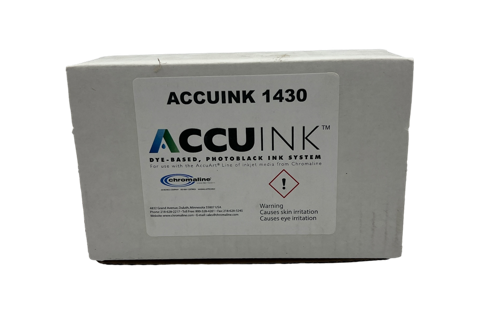
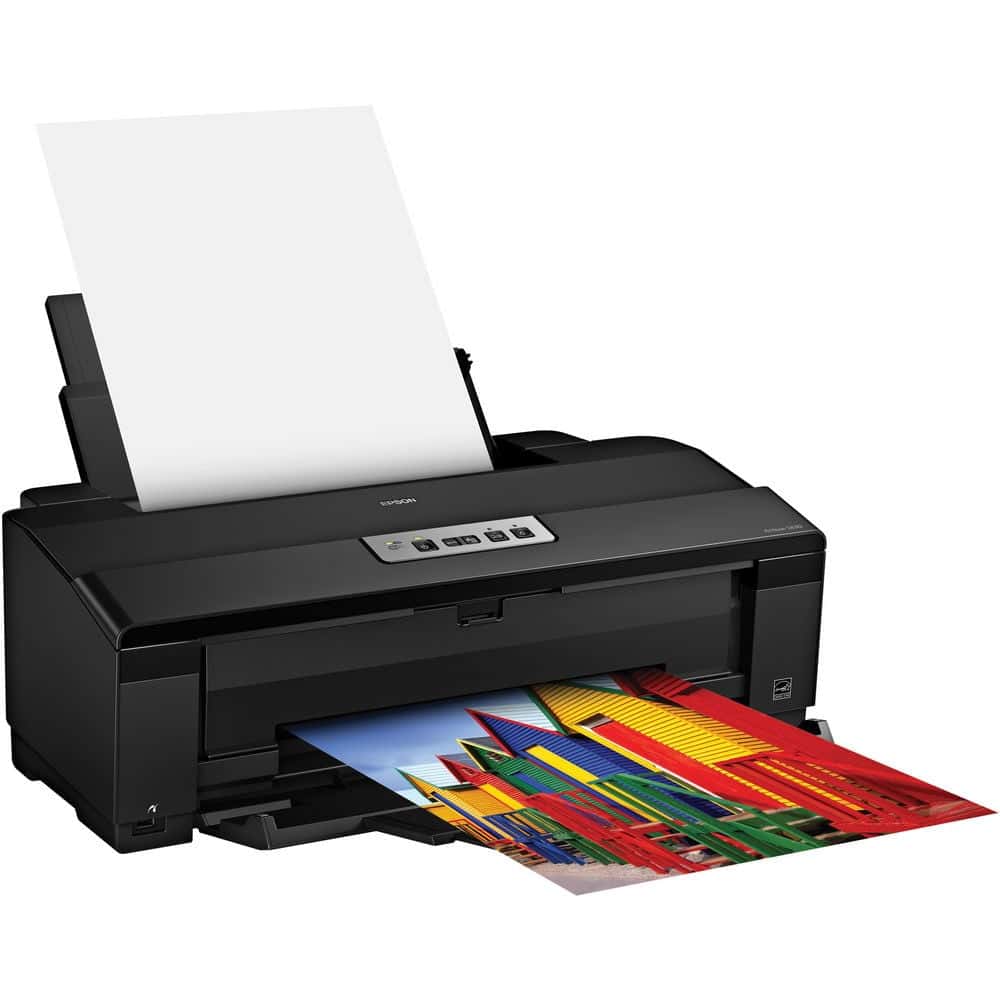
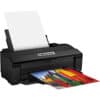
Chromaline AccuInk cartridges for the Epson Stylus Photo 1430 / 1430W deliver ultra-dense, UV-blocking black ink for producing crisp, opaque film positives. The All Black System replaces all six cartridge slots with AccuInk for maximum stencil-blocking density at a fraction of the cost of OEM inks.
Epson 1430 / 1430W Compatible
UV-Blocking Formula
All Black System
Dye/Water-Based Ink
AccuJet Film Compatible
Made in USA
Reduces Ink Costs vs OEM
UV-Blocking Formula
All Black System
Dye/Water-Based Ink
AccuJet Film Compatible
Made in USA
Reduces Ink Costs vs OEM
✓ Same-Day Shipping on orders before 3:30 PM CT Mon–Fri | ✓ Free Shipping on orders over $200 | ✓ Call (512) 454-0505
Price range: $39.99 through $164.29
Description
Chromaline AccuInk for the Epson 1430 / 1430W — All Black System
Designed exclusively for screen printers, AccuInk cartridges for the Epson Stylus Photo 1430 and 1430W replace all six OEM ink slots with a high-density, UV-blocking dye formulation. The result is dramatically denser film positives that expose cleaner stencils — without the cost of an all-new printer.
🖨️ Built for the Epson 1430 / 1430W
Drop-in replacement cartridges engineered specifically for the Epson Stylus Photo 1430 and 1430W — no printer modifications required.
☀️ UV-Blocking Technology
AccuInk’s UV-blocking formula maximizes opacity on film, ensuring complete stencil washout and sharp edge definition when exposing screens.
💰 Lower Cost Per Print
AccuInk costs significantly less than Epson OEM inks while delivering superior screen printing performance — better density, better washout, less waste.
🎞️ AccuJet Film Compatible
Formulated to bond optimally with Chromaline AccuJet and AccuBlack waterproof inkjet films for consistent, repeatable output every print.
Compatible Printer Models
| Printer Model | Max Print Width | Use in Screen Printing |
|---|---|---|
| Epson Stylus Photo 1430 | 13 × 19 in | Film positives for screen exposure |
| Epson Stylus Photo 1430W | 13 × 19 in | Film positives for screen exposure |
How the All Black System Works
Step 1 — Replace Cartridges
Remove all six OEM Epson ink cartridges and replace with AccuInk cartridges. Use the included chip resetter to authorize each slot for black ink use.
Step 2 — Install RIP Software
Use CADlink FilmMaker RIP software to drive the printer. RIP software forces all channels to output maximum black density — standard drivers cannot achieve this.
Step 3 — Print on AccuJet Film
Output your separations directly onto Chromaline AccuJet waterproof inkjet film for dense, sharp-edged positives ready for screen exposure.
⚠️ Important Notes
Clear Set options do NOT include a Photoblack Slot Cartridge. The Epson 1430 All Black System requires a chip resetter (included or available separately) to authorize non-OEM cartridges. For best results, pair with Chromaline AccuJet film and CADlink FilmMaker RIP software.
Ready to upgrade your Epson 1430 for screen printing?
Order by 3:30 PM CT Mon–Fri for same-day shipping · Free shipping on orders over $200
📞 (512) 454-0505 | ✉️ [email protected]
Technical Specifications
Technical Specifications
| Specification | Detail |
|---|---|
| SKU | Chromaline 1430 Ink System |
| Brand | Chromaline |
| Compatible Printer Models | Epson Stylus Photo 1430, Epson Stylus Photo 1430W |
| Ink Type | Dye / Water-Based with UV Blocker |
| Cartridge Volume | 18mL per cartridge |
| Available Slots | Black, Cyan, Magenta, Yellow, Light Cyan, Light Magenta |
| Film Compatibility | Chromaline AccuJet Waterproof Inkjet Film, AccuBlack Film |
| Recommended Software | CADlink FilmMaker RIP v10 |
| Made In | USA |
| Max Print Width (Printer) | 13 × 19 inches |
| Chip Resetter Required | Yes — to authorize all-black configuration |
Technical Sheets / Safety Data Sheets / Documents
FREQUENTLY ASKED QUESTIONS
Frequently Asked Questions
Which Epson printers does AccuInk work with for this kit?
This kit is formulated for the Epson Stylus Photo 1430 and Epson Stylus Photo 1430W. These are the same printer — the 1430W adds wireless connectivity. Both use the same six-slot cartridge system and are fully compatible with the AccuInk All Black System.
Do I need RIP software with AccuInk?
Yes — RIP software is strongly recommended. Standard printer drivers cannot force the printer to output maximum density through all ink channels. CADlink FilmMaker RIP software gives you full control over ink density, halftone screening, and color separation output, which is essential for quality screen printing film positives.
How does AccuInk compare to Epson OEM inks for screen printing?
Epson OEM inks are designed for photo printing — not screen printing film positives. AccuInk includes a UV-blocking agent that standard Epson inks lack. This UV blocker is what allows AccuInk to block UV light during screen exposure, producing cleaner stencils with crisper detail. AccuInk also costs less per cartridge than genuine Epson replacements.
What film should I use with AccuInk?
AccuInk is formulated to work best with Chromaline’s AccuJet Waterproof Inkjet Film and AccuBlack Film. These films are available in sheet and roll formats and are designed to accept AccuInk for maximum density and sharp dot reproduction. We carry the full line of AccuJet films.
What is the “Clear Set” option?
The Clear Set allows you to order individual cartridges for specific slots. Important: Clear Set options do not include a Photoblack Slot Cartridge. If you need to replace only one or two cartridges, use the individual slot options. For initial setup, we recommend the Full Set (C, M, Y, K, LC, LM) to replace all six slots at once.
Does River City Supply ship AccuInk same-day?
Yes — orders placed before 3:30 PM CT Monday through Friday ship same day. Free standard shipping is available on orders over $200. Local customers in San Antonio can also pick up in-store — in-stock orders are typically ready within 1 hour.
Still have questions about AccuInk for the Epson 1430?
Call (512) 454-0505 or email [email protected] — Mon–Fri 9am–5pm CT
Reviews
Only logged in customers who have purchased this product may leave a review.
You May Also Like
Related products
-

CADlink FilmMaker Version 11 RIP Software – Dense Black Film Positives for Screen Printing
Price range: $495.00 through $795.00 -
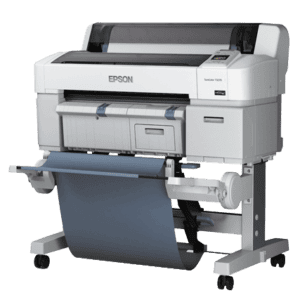
Epson SureColor T3270 24” Wide Format Inkjet Printer – Film Positive & CAD Printing
-
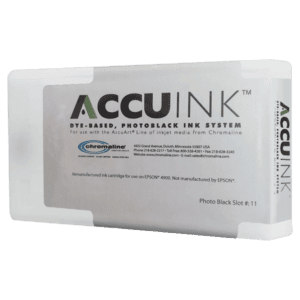
Chromaline AccuInk Ink Cartridges for Epson 3270 / 5270 / 7270 – High Density Black Ink for Film Positives
Price range: $288.49 through $973.99 -
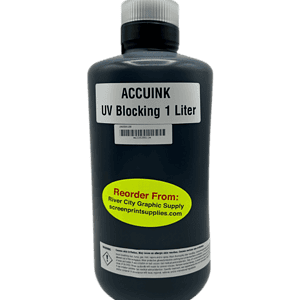
Chromaline AccuInk Bulk Black Ink – High Density Ink for Screen Printing Film Positives
$208.00
Reviews