Canon Pixma iX6820 Film Positive Printer Kit
Chromaline

The Canon Pixma iX6820 Kit turns a popular 13″ × 19″ wide-format inkjet into a professional film-positive printer for screen printing. It ships loaded with five all-black AccuInk HD cartridges and a big stack of AccuJet waterproof film, so you can output dense, UV-blocking positives that expose fast and wash out clean.
Wide-format positives & negatives
5 cartridges — deepest, UV-blocking black
100 sheets 13×19 + 100 sheets 11×17
Add a RIP for one-click halftones
$699.99
Description
Canon Pixma iX6820 Film Positive Kit
Great screens start with great film. This kit converts the affordable Canon Pixma iX6820 — a sheet-fed 13″ × 19″ wide-format inkjet — into a dedicated film-positive printer for screen printing. Instead of Canon’s OEM color inks, it runs five all-black AccuInk HD cartridges by Chromaline, so every channel lays down UV-blocking black for dramatically denser positives — roughly 2× the density and 2× the film yield of a standard setup. Denser black means UV light can’t sneak through your artwork, so screens expose cleanly and wash out faster with sharper detail. The kit includes a generous supply of AccuJet waterproof film so you can start burning screens right away.
Watch: The iX6820 Film Kit
What’s in the Kit
- Canon Pixma iX6820 printer (sheet-fed, prints up to 13″ × 19″)
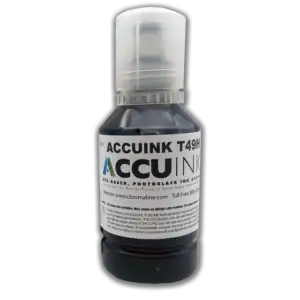
- Five all-black AccuInk HD cartridges by Chromaline (USA-made, UV-blocking)
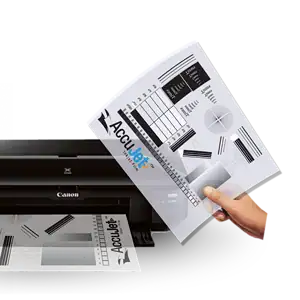
- 100 sheets of AccuJet 13″ × 19″ waterproof film
- 100 sheets of AccuJet 11″ × 17″ waterproof film
Note: RIP software is not included — see below. You’ll also need an exposure unit and screens to burn.
Important: RIP software is NOT included.
To get the deepest black and one-click halftone separations, you need a RIP — the standard Canon driver can’t reach full density. We recommend CADlink FilmMaker RIP. You can purchase FilmMaker here, or download a free 30-day trial from CADlink to try it first. FilmMaker gives you dense positives, easy halftone dot control and simple color separations.
Why All-Black AccuInk?
Deepest black
All five channels are charged with black ink for the densest possible positive — no light leaks through your art.
UV-blocking
The AccuInk HD formula blocks UV so screens expose cleanly and wash out faster with crisp edges.
2× density & yield
Roughly double the density and double the film per set versus a standard OEM setup.
Affordable wide format
A budget-friendly way to output 13″ × 19″ positives without a large-format printer.
Supplies & Related Products
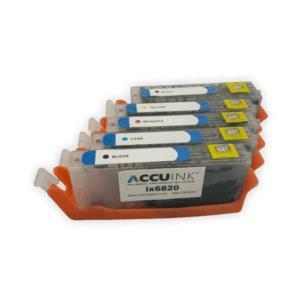
Refill the all-black, UV-blocking ink set for the iX6820.
Restock your waterproof film positives.
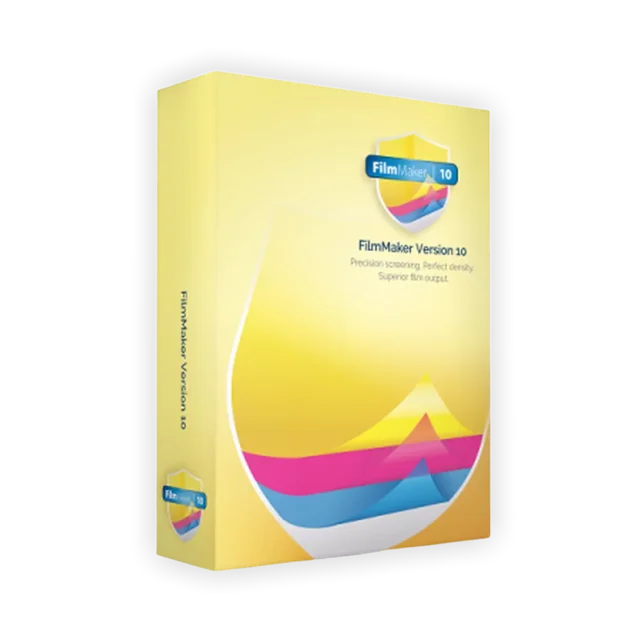
(Not Included) Required for full density & halftones (30-day free trial).
- CADlink FilmMaker RIP software — required for max density & halftones (free 30-day trial).
- AccuInk HD cartridges for the iX6820 — refill the all-black ink set.
- AccuJet 13″ × 19″ waterproof film — restock your positive film.
- Browse all inkjet film printers & supplies.
Why Buy From River City Supply?
Real printers. Real support. Everything for film & screens.
Technical Specifications
Canon Pixma iX6820 Kit – Technical Specifications
Technical Sheets / Safety Data Sheets / Documents
FREQUENTLY ASKED QUESTIONS
Canon Pixma iX6820 Kit – Frequently Asked Questions
Why Buy From River City Supply?
Real printers. Real support. Everything for film & screens.
Reviews
You May Also Like
Related products
-

Epson 3170X Inkjet Printer – Film Positive Printer for Screen Printing
$2,945.00 -
Chromaline AccuInk Refillable Ink for Epson 3170X – High Density Black Ink for Film Positives
Price range: $43.95 through $209.99 -
CADlink FilmMaker Version 11 RIP Software – Dense Black Film Positives for Screen Printing
Price range: $495.00 through $795.00 -
Canon Pixma IX6820 Printer Package for Screen Printing – 13”x19” Film Positive System with AccuInk & CADlink FilmMaker Rip Software
$1,179.00