Siser EasyColor DTV – Full-Color Inkjet Printable Heat Transfer Vinyl | 8.5″×14″ & 11″×16.5″ Sheets
Siser
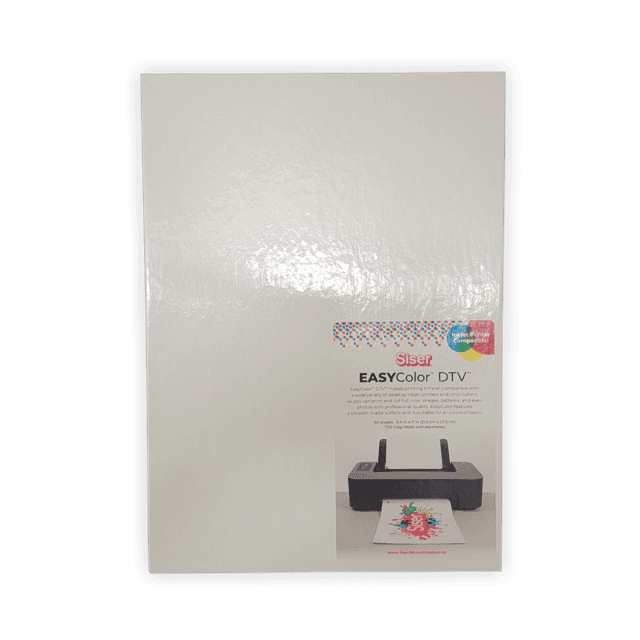
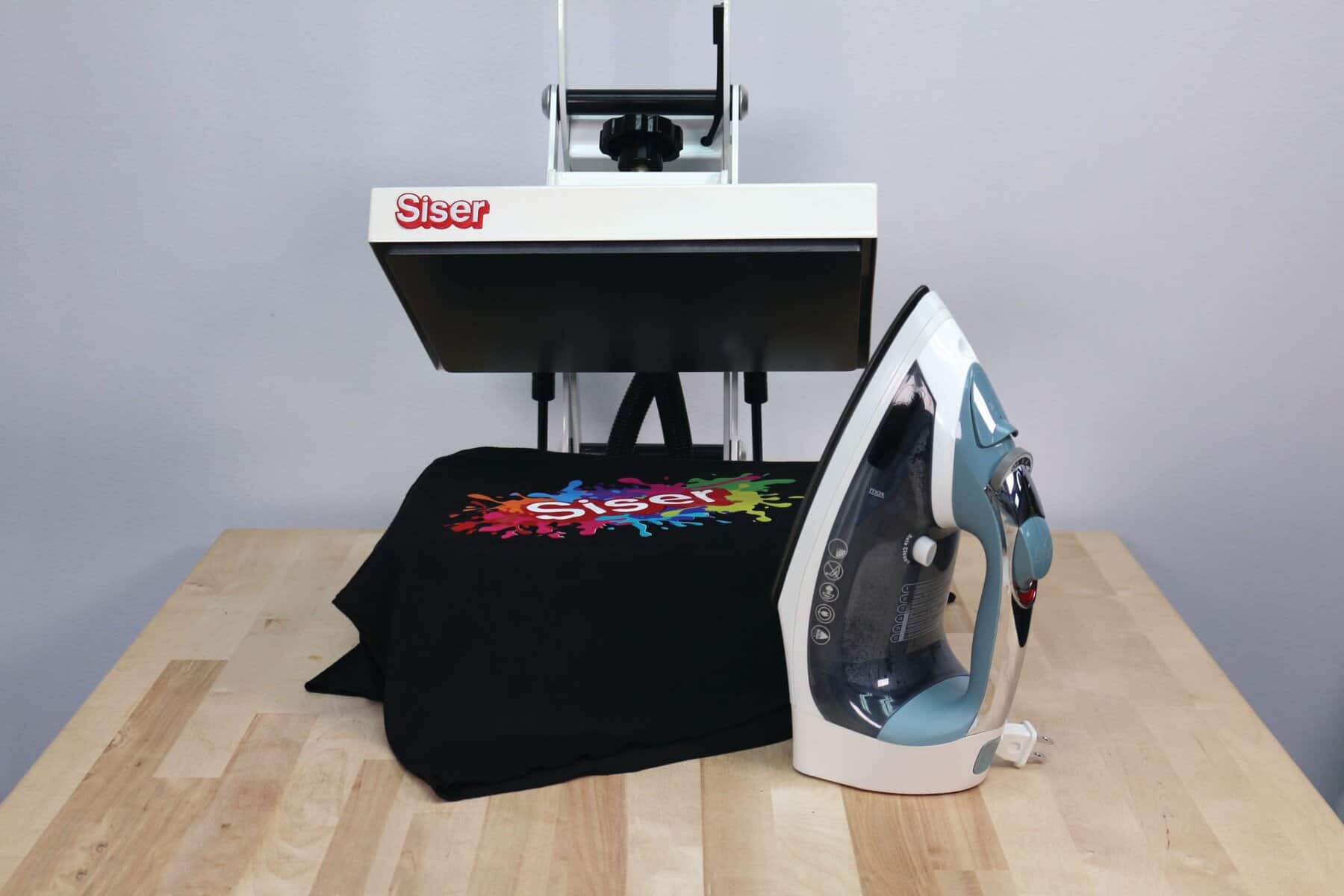
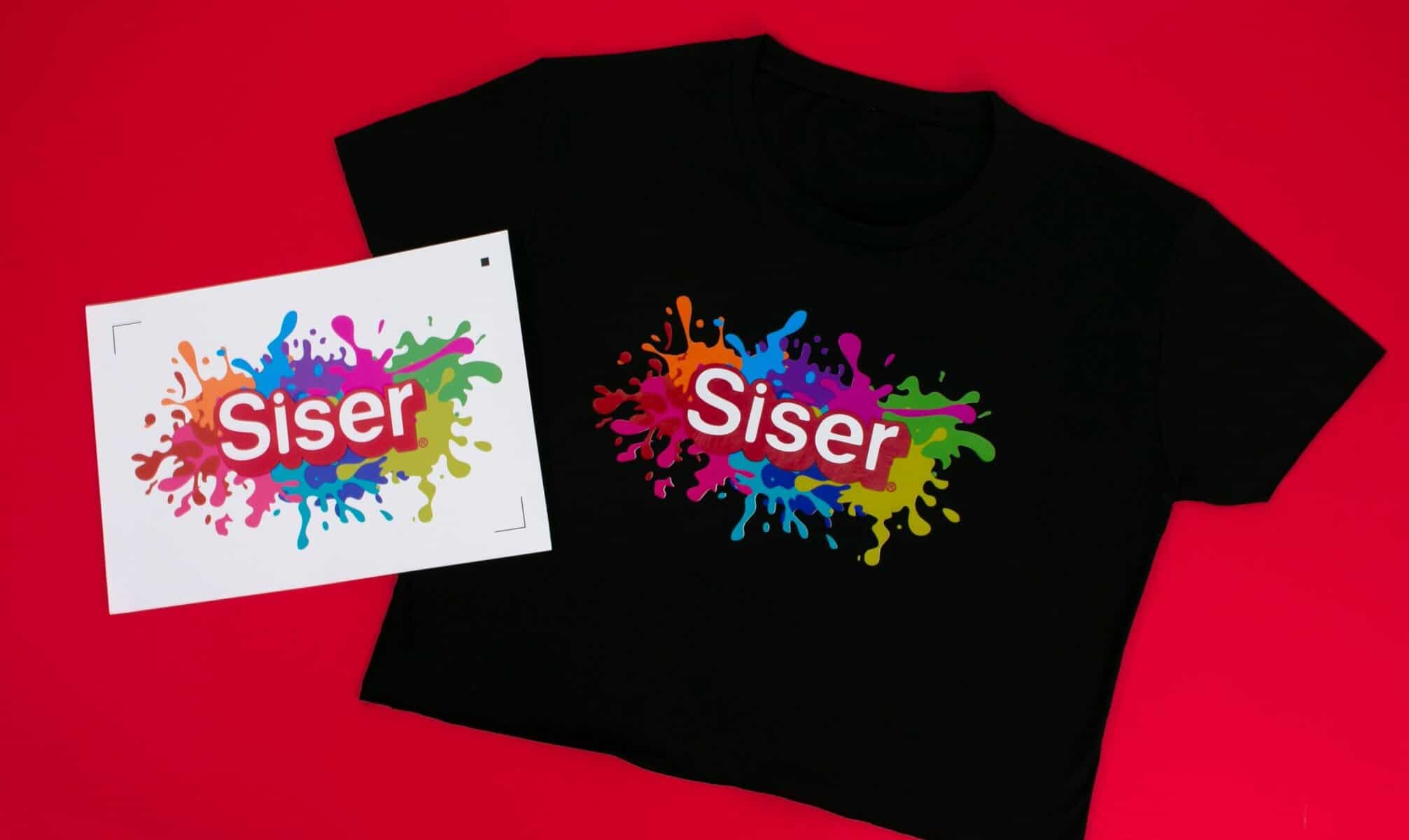
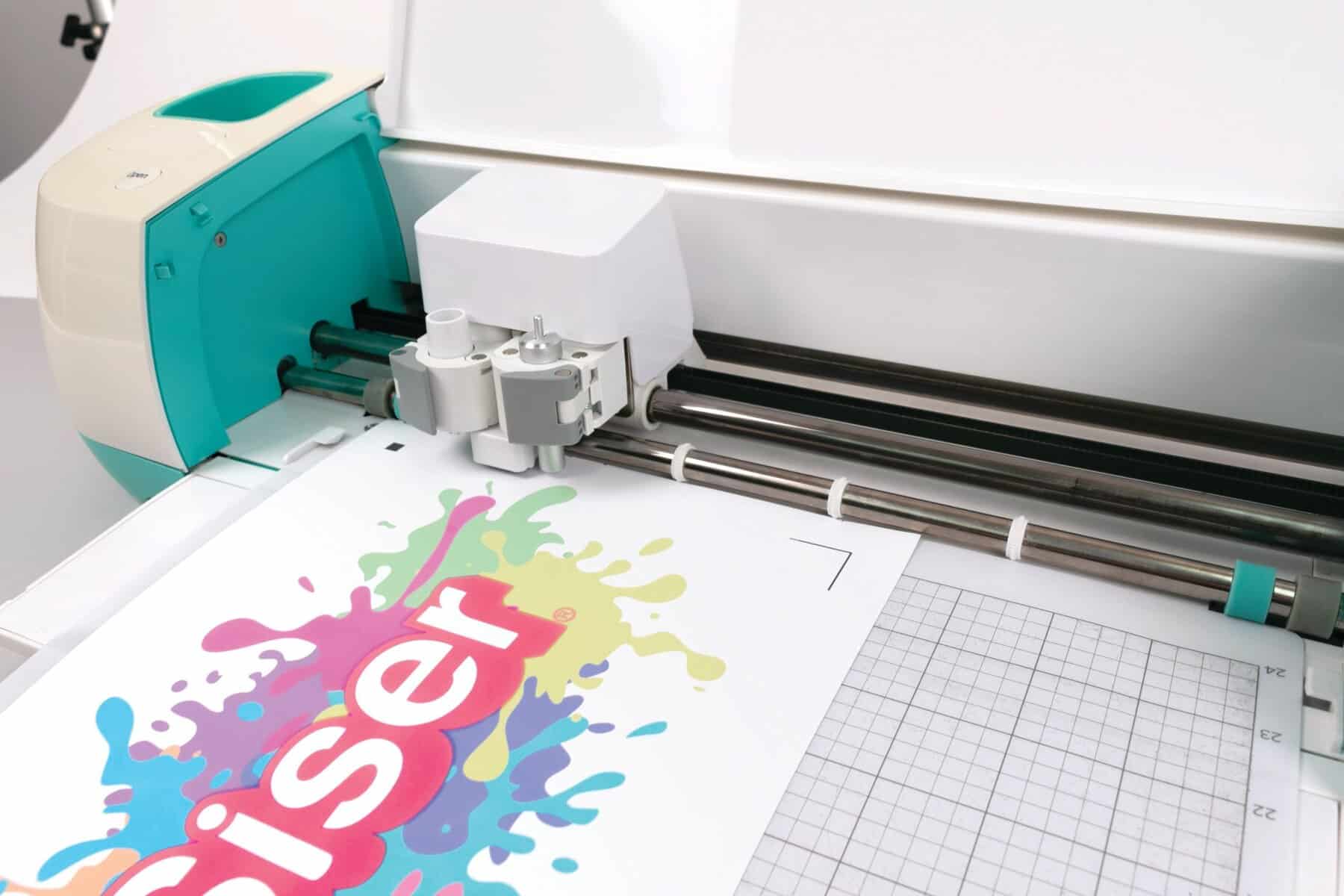
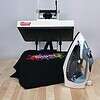
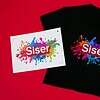
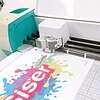
Siser EasyColor DTV (Direct to Vinyl) is a full-color inkjet printable heat transfer vinyl that lets you print photo-quality, multi-color designs directly onto HTV using any standard desktop inkjet printer — no sublimation system, eco-solvent printer, or DTF setup required. Feed the sheet into your printer matte-side up like plain paper, print, cut, mask with TTD Easy Mask, and press. Available in two sheet sizes: 8.5″×14″ for standard-size designs and 11″×16.5″ for larger prints, full-chest graphics, and oversized designs. White base makes it opaque enough to print on dark and light garments alike. Soft, flexible matte finish. Stretch-rated for cotton, polyester, and cotton/poly blends. CPSIA certified.
Price range: $20.00 through $85.00
Description
⚠️
Inkjet Printers Only — Not for Sublimation, Solvent, or Laser
EasyColor DTV is formulated exclusively for standard desktop inkjet inks (dye-based or pigment-based). Do not use with sublimation ink, eco-solvent ink, solvent ink, or laser/toner printers. Results with non-inkjet systems will be unpredictable and unsatisfactory.
Siser EasyColor DTV — Full-Color Inkjet Printable HTV in 8.5″×14″ and 11″×16.5″ Sizes
Most full-color garment decoration methods require expensive equipment: DTF printers, sublimation setups, eco-solvent systems. EasyColor DTV eliminates all of that. It’s printable HTV that feeds through any standard desktop inkjet printer like copy paper. Print your design, cut it out, press it at 310°F for 15 seconds, and peel hot. The result is a full-color, photo-quality, flexible, matte print on cotton, polyester, or blends — on light or dark garments — that survives dozens of wash cycles without cracking or peeling. Available in two sizes — 8.5″×14″ for standard work and 11″×16.5″ for larger prints and full-chest graphics. CPSIA certified.
Full Color from Your Desktop Inkjet Printer
Most printable HTV requires specialty equipment — eco-solvent printers, DTF systems, sublimation setups. EasyColor DTV is the exception: it’s formulated specifically for standard inkjet inks, both dye-based and pigment-based. Feed a sheet into your printer exactly as you would standard copy paper, print at normal quality settings, and the design is ready to press. No new equipment to buy. No conversion required.
Two Sizes — 8.5″×14″ and 11″×16.5″
EasyColor DTV is available in two sheet sizes to fit your workflow. The 8.5″×14″ size handles standard apparel graphics and most print-and-cut designs. The 11″×16.5″ size opens up full chest prints, large-format logos, and oversized designs that don’t fit on standard-size sheets. Both sizes pair with TTD Easy Mask for multi-piece design transfers. Select your size at checkout.
Opaque on Light AND Dark Garments
EasyColor DTV is built on an opaque white base. The vinyl’s white foundation prevents the garment color from showing through — so your printed design looks exactly as it did on screen, whether applied to a white t-shirt or a navy blue hoodie. No light garment-only limitation. No need to mirror or adjust for dark fabric. One product handles your full garment range.
Soft Matte Finish — Comparable to EasyWeed
EasyColor DTV is only slightly thicker than Siser EasyWeed — which is among the thinnest, lightest HTV on the market. The result is a matte, non-shiny finish that looks more like a print than a transfer, and a soft, flexible feel that doesn’t add stiffness or bulk to the garment. Lightweight enough for polyester applications.
Use Plain Paper / Normal Quality Print Settings
This is the most commonly missed instruction with EasyColor DTV: print on normal or plain paper settings, not high quality. High quality print modes deposit more ink than the vinyl can absorb. The oversaturation doesn’t improve the design — it creates excess surface ink that can bleed or run during the first wash. Normal settings, matte-side up, is the correct approach for consistent results.
Dye-Based Ink? Let It Dry 45–60 Minutes First
There are two types of desktop inkjet ink: dye-based and pigment-based. Both work with EasyColor DTV, but dye-based ink needs more time to set. If your printer uses dye-based ink, wait 45–60 minutes after printing before pressing. Pressing too soon with dye-based ink can cause the ink to bleed at the edges under heat. Pigment ink printers can generally be pressed sooner, but waiting the full 45 minutes is safe practice for both.
Scissors, Cricut, Silhouette, and More
EasyColor DTV can be cut with scissors for simple shapes, or fed through virtually any electronic cutting machine that accepts standard HTV. Cricut, Silhouette CAMEO, and other common cutters all work. For print-and-cut workflows, the sheet can be printed and run back through the cutting machine for contour cuts around your design. Best practice: load the matte-printed side face-up on the cutting mat.
Layerable with Other Siser Products
EasyColor DTV can be layered with other Siser HTV. You can apply EasyColor over smooth Siser HTV like EasyWeed — or layer EasyWeed, Stripflock, Metallic, or Glitter on top of pressed EasyColor. Doing a knockout of the HTV layer underneath is best practice for optimal adhesion at the layer boundary. This opens up multi-effect designs combining photographic EasyColor prints with specialty HTV accents.
Temperature310°F
155°C
Press Time15 sec
Medium pressure
PeelHot
Immediately
Thickness100µm
3.94 mils
CertifiedCPSIA ✔
Children’s product safe
❌ Do NOT
- Use sublimation ink
- Use eco-solvent or solvent ink
- Use toner / laser printer
- Print on high quality / best settings
- Press before dye-based ink dries (45–60 min)
- Mask before 24 hours when using TTD Easy Mask
- Wear garment before washing
- Wash within 24 hours of pressing
- Use liquid fabric softener
- Bleach or dry clean
✅ Do
- Use any standard desktop inkjet printer
- Print matte-side up on plain paper / normal settings
- Let dye-based ink dry 45–60 min before pressing
- Wait 24 hours before masking (if using mask)
- Press at 310°F / 15 sec / medium / hot peel
- Wash garment before wearing (cold, inside-out)
- Wait 24 hours before first wash
- Layer with other Siser HTV products
- Cut with scissors, Cricut, Silhouette, or any cutter
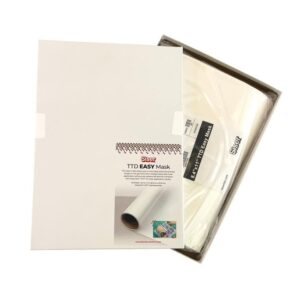 TTD High Tack Mask” style=”width:80px;height:80px;object-fit:contain;flex-shrink:0;”>
🧹 You’ll Need: Siser TTD High Tack Mask
For multi-piece designs, large prints, or any EasyColor transfer where the vinyl tends to wrinkle during masking, Siser TTD High Tack Mask is the recommended transfer tape. Its high-tack adhesive grips the vinyl firmly, holds it flat through the squeegee process, and peels warm with zero residue. Single-piece designs can be pressed directly without mask; High Tack Mask is recommended for everything else.
How to Use Siser EasyColor DTV
Step 1 — Design Setup
Set up your design at the correct dimensions for the 11″×16.5″ sheet in your design software. Mirror the image if pressing face-down without mask. If using TTD Easy Mask, mirroring is not required.
Step 2 — Print (Matte Side Up)
Load the EasyColor DTV sheet matte-side up into your inkjet printer. Select plain paper or normal quality print settings — do NOT use high quality or best. Higher quality settings oversaturate the vinyl with ink, causing bleeding in the first wash.
Step 3 — Wait 45–60 Minutes (Dye-Based Ink) or 24 Hours (Before Masking)
Dye-based ink: wait 45–60 minutes for ink to dry before pressing. If using TTD Easy Mask for print-and-cut: wait 24 hours after printing before applying the mask. The ink needs to fully cure before the mask adhesive contacts it.
Step 4 — Cut the Design
Cut with scissors for simple shapes, or run through your cutting machine (Cricut, Silhouette, etc.). For electronic cutters, load printed sheet matte-side up on the cutting mat. Weed excess vinyl around the design.
Step 5 — Apply TTD Easy Mask (Multi-Piece Designs)
For designs with multiple pieces, or to prevent the vinyl from curling during transfer, apply TTD Easy Mask over the printed design. Masking is not required for single-piece designs — you can remove the carrier and press directly.
Step 6 — Press at 310°F for 15 Seconds
Heat press at 310°F (155°C) for 15 seconds with medium pressure. Peel HOT. Do not wait for the transfer to cool before peeling.
Step 7 — Remove Carrier / Mask
If pressing with no mask: remove backing before pressing, then peel the carrier off while still hot. If using TTD Easy Mask: peel the mask hot after pressing. The design should transfer cleanly to the garment.
Step 8 — Wait 24 Hours, Then Wash Before Wearing
Critical: wait 24 hours before the first wash. Then wash the garment in cold water before wearing. This removes excess surface ink. Skipping this step and wearing the garment before washing risks water spots and ink bleeding on the fabric.
⌛
Wait 24 Hours Before First Wash — Critical
After pressing, wait a full 24 hours before the first wash. Excess ink that didn’t absorb into the vinyl during heat application will still be on the surface. If the garment gets wet before washing — even from sweat or rain — that excess ink can bleed and stain the fabric. Wash before wearing. Wait 24 hours before washing. Machine wash cold, inside-out, mild detergent, tumble dry low, no bleach, no fabric softener.
Care Instructions
Ready to Order?
Same-day shipping on in-stock orders before 3:30 PM CT from San Antonio, TX.
🏆 Why Order from River City Supply?
📦 Authorized Siser Dealer
Authorized Siser dealer since 2008. Full EasyColor DTV line in stock.
🚚 Same-Day Shipping
Orders placed before 3:30 PM CT ship same day from San Antonio, TX.
✔ No Special Equipment
Works with any standard desktop inkjet printer. No DTF or sublimation setup needed.
🎁 Free Shipping Over $200
Free ground shipping on qualifying orders over $200.
📞 Expert Support
Call (512) 454-0505 or Tidio chat for HTV and application questions.
⭐ 17+ Years in Business
Founded 2008. Serving screen printers and decorators nationwide.
More Siser HTV at River City Supply:
Technical Specifications
⚠️
Inkjet Printers Only — Not for Sublimation, Solvent, or Laser
EasyColor DTV is formulated exclusively for standard desktop inkjet inks (dye-based or pigment-based). Do not use with sublimation ink, eco-solvent ink, solvent ink, or laser/toner printers. Results with non-inkjet systems will be unpredictable and unsatisfactory.
| Siser EasyColor DTV — Technical Specifications | |
|---|---|
| Product Name | Siser EasyColor DTV (Direct to Vinyl) |
| Brand | Siser |
| SKU | N/A |
| 8.5″×14″ and 11″×16.5″ (select at checkout) | 11″ × 16.5″ (NEW larger format) |
| Ink Compatibility | Inkjet only — dye-based and pigment-based. NOT sublimation, solvent, eco-solvent, or laser/toner. |
| Print Setting | Plain paper / Normal quality — do NOT use high quality or best |
| Print Side | Matte side up (rougher side) |
| Dry Time | 45–60 minutes after printing before pressing (dye-based ink); 24 hours before masking |
| Thickness | 100 Microns / 3.94 Mils |
| Finish | Matte — non-shiny, print-like appearance |
| Base | Opaque white — works on light and dark garments |
| Press Temperature | 310°F / 155°C |
| Press Time | 15 Seconds |
| Pressure | Medium |
| Peel | Hot — peel immediately after pressing |
| Fabric Compatibility | 100% Cotton, 100% Polyester, Cotton/Poly Blends |
| Cutting | Scissors, Cricut, Silhouette CAMEO, or any standard vinyl cutter |
| Masking | TTD Easy Mask (sold separately) — required for multi-piece designs; optional for single-piece |
| Layering | Can be layered over or under EasyWeed, Stripflock, Metallic, Glitter |
| Certification | CPSIA certified |
| Wash (First) | Wait 24 hours after pressing; wash before wearing; machine wash cold inside-out |
| Ongoing Care | Cold water, mild detergent, tumble dry low, no bleach, no fabric softener, no dry cleaning |
| Available Sizes | 8.5″×14″ and 11″×16.5″ sheets (sold per sheet or in packs; select size at checkout) |
Technical Sheets / Safety Data Sheets / Documents
FREQUENTLY ASKED QUESTIONS
⚠️
Inkjet Printers Only — Not for Sublimation, Solvent, or Laser
EasyColor DTV is formulated exclusively for standard desktop inkjet inks (dye-based or pigment-based). Do not use with sublimation ink, eco-solvent ink, solvent ink, or laser/toner printers. Results with non-inkjet systems will be unpredictable and unsatisfactory.
What kind of printer does this work with?
EasyColor DTV is formulated exclusively for standard desktop inkjet printers using water-based inkjet inks — both dye-based and pigment-based. It does not work with sublimation ink, eco-solvent ink, solvent ink, or laser/toner printers. If you have a standard home or office inkjet (Epson, Canon, HP, Brother, etc.) that uses water-based ink, it will work. Do not attempt to use it with a sublimation-converted printer.
Why should I print on plain paper / normal quality settings?
High quality print modes deposit significantly more ink onto the substrate. EasyColor DTV can only absorb a finite amount of ink. When oversaturated, the excess ink sits on the surface of the vinyl rather than absorbing into it. This excess surface ink is what causes bleeding, spotting, and color loss after the first wash. Normal settings deposit the right amount. Plain paper setting is the correct choice.
Why do I have to wait 24 hours before the first wash?
After heat pressing, some residual ink — particularly with dye-based printers — remains on the surface of the vinyl rather than fully absorbed into it. This surface ink is not stable and will bleed if it contacts water before the first wash clears it. The 24 hours allows the pressed transfer to cure and set. After the first wash, excess ink is removed, and the design is stable for normal ongoing washing. Critically: wash the garment before wearing. If worn first and the garment contacts any moisture, the surface ink can bleed onto the shirt fabric.
Do I need the TTD Easy Mask?
Not always. For a single-piece design, you can remove the backing from the EasyColor sheet and press directly without mask. Siser TTD High Tack Mask is recommended for: multi-piece designs that need to be positioned together, large designs prone to wrinkling, and print-and-cut workflows where precise placement matters. If using mask, wait 24 hours after printing before applying it.
Can I use this on dark shirts?
Yes. EasyColor DTV is built on an opaque white base, so the printed design colors show true regardless of the garment color underneath. The same sheet that prints correctly on a white shirt will print correctly on a navy shirt or a black hoodie. No special light-garment version is needed.
What’s the difference between dye-based and pigment-based ink, and does it matter?
Both work with EasyColor DTV. The main practical difference is dry time. Dye-based ink (more common in home inkjet printers) needs 45–60 minutes to fully dry after printing before you press — pressing too soon can cause ink to bleed at the edges under heat. Pigment-based ink (common in Epson EcoTank and similar) typically sets faster and has less bleed risk, but waiting the full 45–60 minutes before pressing is still recommended for both.
Can I layer EasyColor DTV with other Siser HTV?
Yes. EasyColor DTV can be layered over smooth Siser HTV like EasyWeed — and other Siser products like EasyWeed, Stripflock, Metallic, and Glitter can be layered on top of pressed EasyColor. When layering, do a knockout of the underlying HTV where the EasyColor will sit for best adhesion at the boundary.
What’s the difference between the 8.5″×14″ and 11″×16.5″ sizes?
The 8.5″×14″ size (≈119 sq in) handles most standard apparel graphics, logos, and designs that fit within a legal-size footprint. The 11″×16.5″ size (≈182 sq in) gives you roughly 53% more design area — ideal for full-chest prints, oversized graphics, and designs with multiple elements arranged on one sheet. Both sizes work with TTD Easy Mask. Choose based on your typical design size.
Questions about EasyColor DTV or inkjet printable HTV?
Call (512) 454-0505, email [email protected], or use the Tidio chat. Authorized Siser dealer since 2008.
Reviews
Only logged in customers who have purchased this product may leave a review.
You May Also Like
Related products
-

Siser EasyWeed® 15” Texas Orange Heat Transfer Vinyl – Premium Texas Orange HTV for Cricut, Silhouette & Custom T-Shirts
Price range: $42.99 through $367.99 -
Perma Trans Light – Inkjet Transfer Paper – 8 1/2” X 11”
Price range: $24.99 through $399.99 -
Siser EasyWeed® 15” Bright Fluorescent Pink Heat Transfer Vinyl – Neon Pink HTV for Cricut & Custom T-Shirts
Price range: $44.99 through $401.99 -
Siser EasyWeed® 15” Matte Black Heat Transfer Vinyl – Premium Matte Black HTV for Cricut, Silhouette & Custom Apparel
Price range: $42.99 through $367.99
Reviews